When Leica LUX Pro was first recommended to me, I downloaded the free tier with high hopes. In practice, however, the experience left me rather underwhelmed, ultimately convincing me against paying for the Pro tier. As it stands, Halide remains the benchmark for manual computational photography on iOS, whilst the native Apple Camera app continues to serve as a perfectly capable daily fallback.

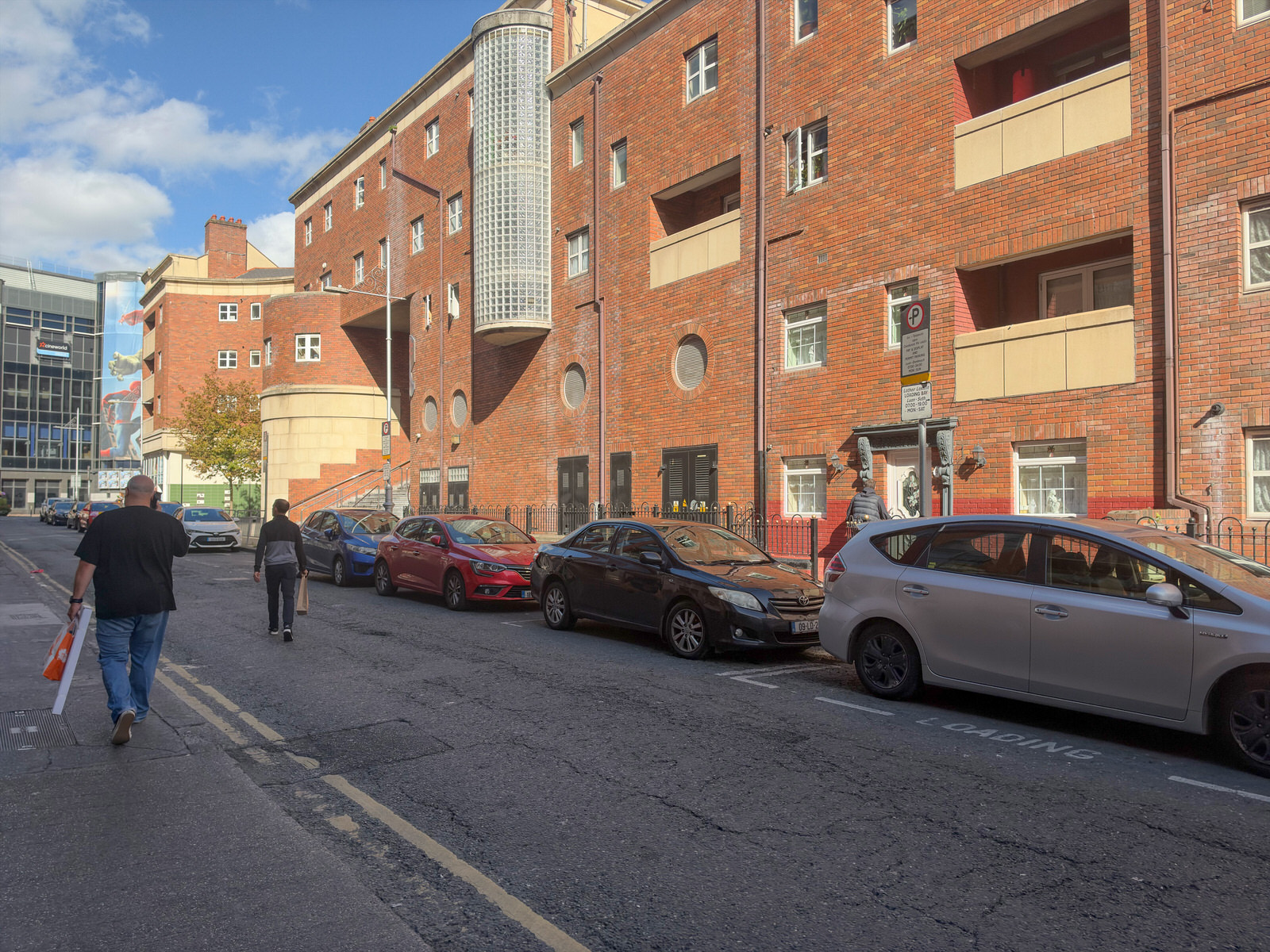
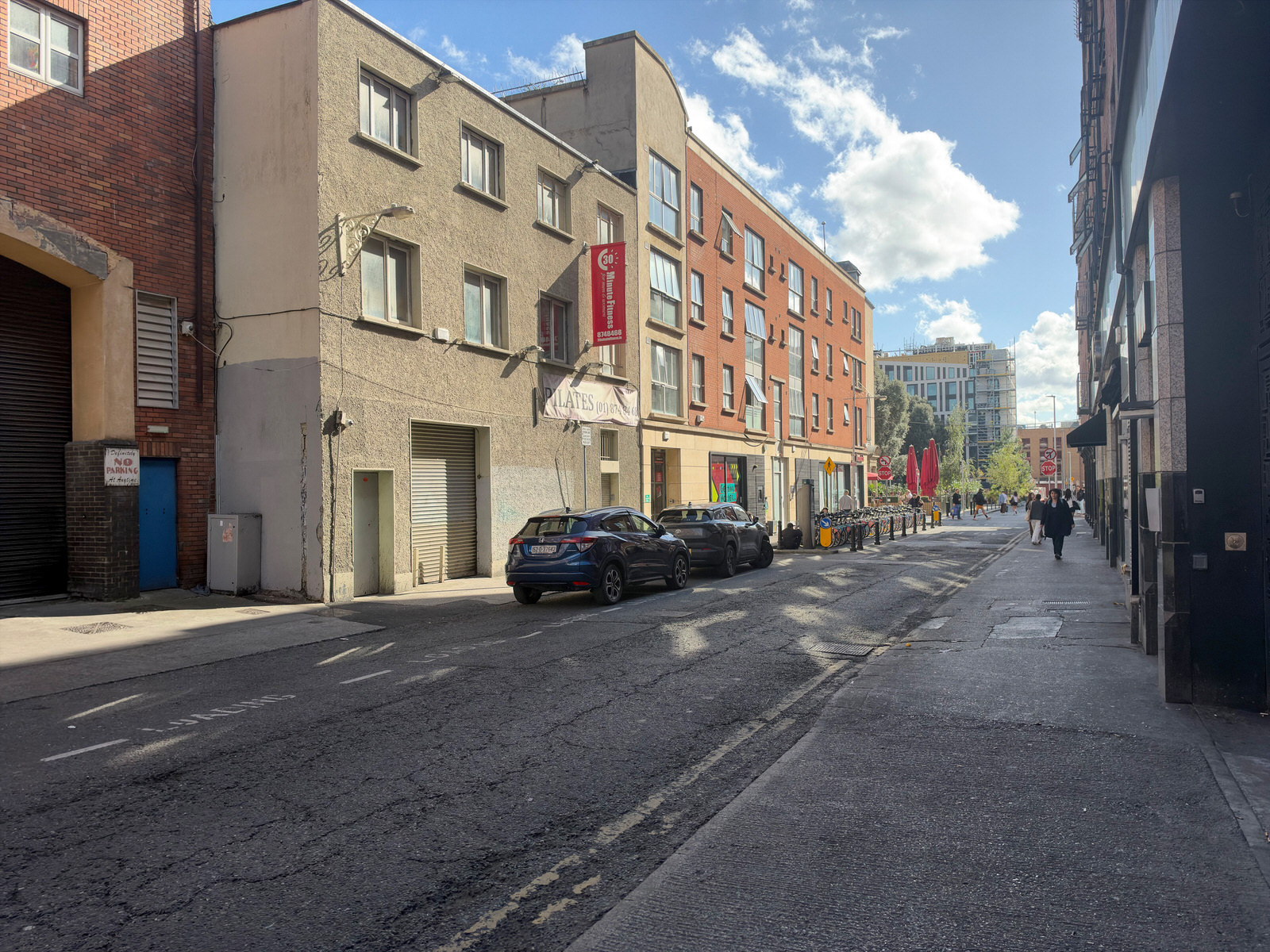
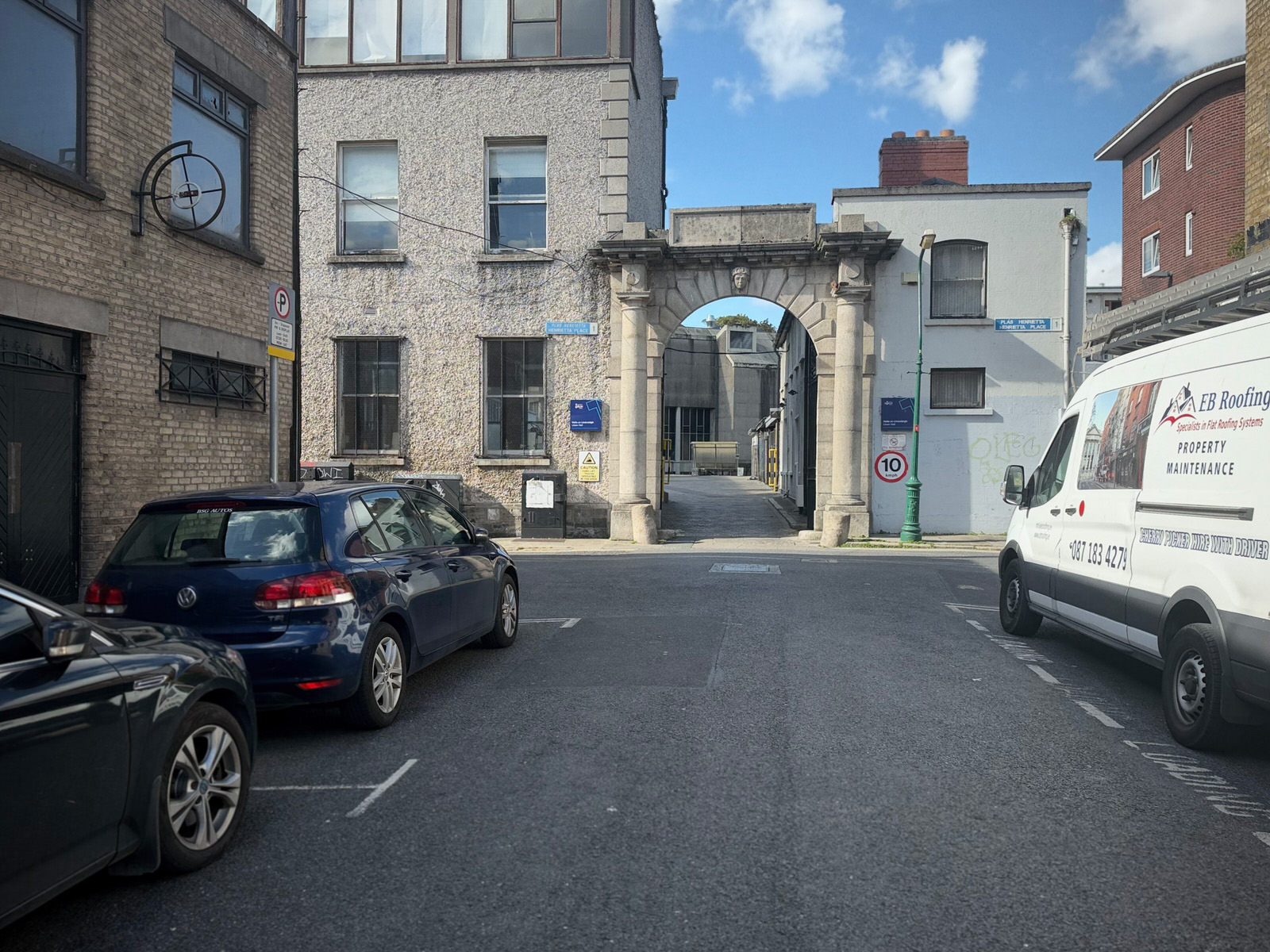
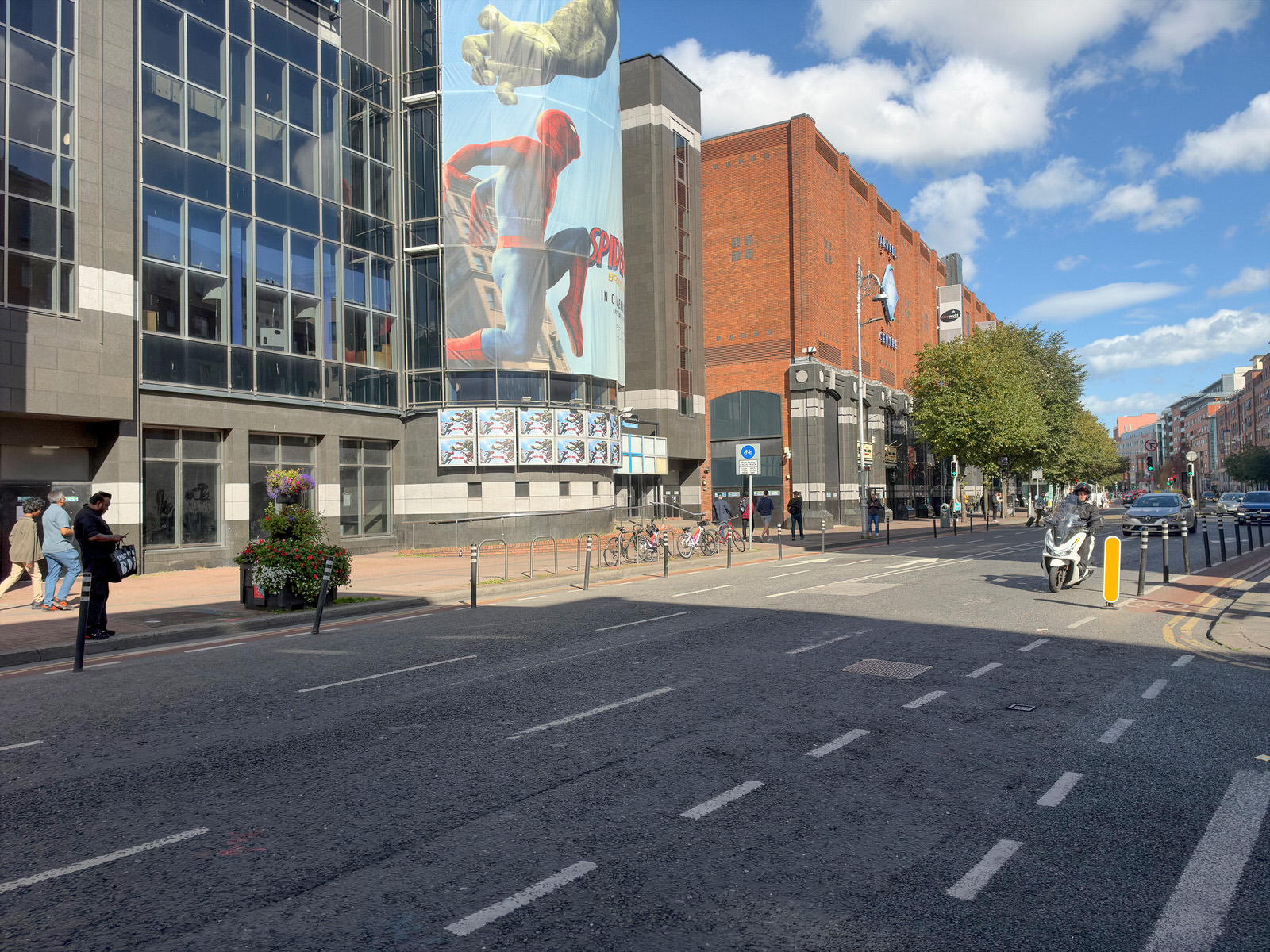
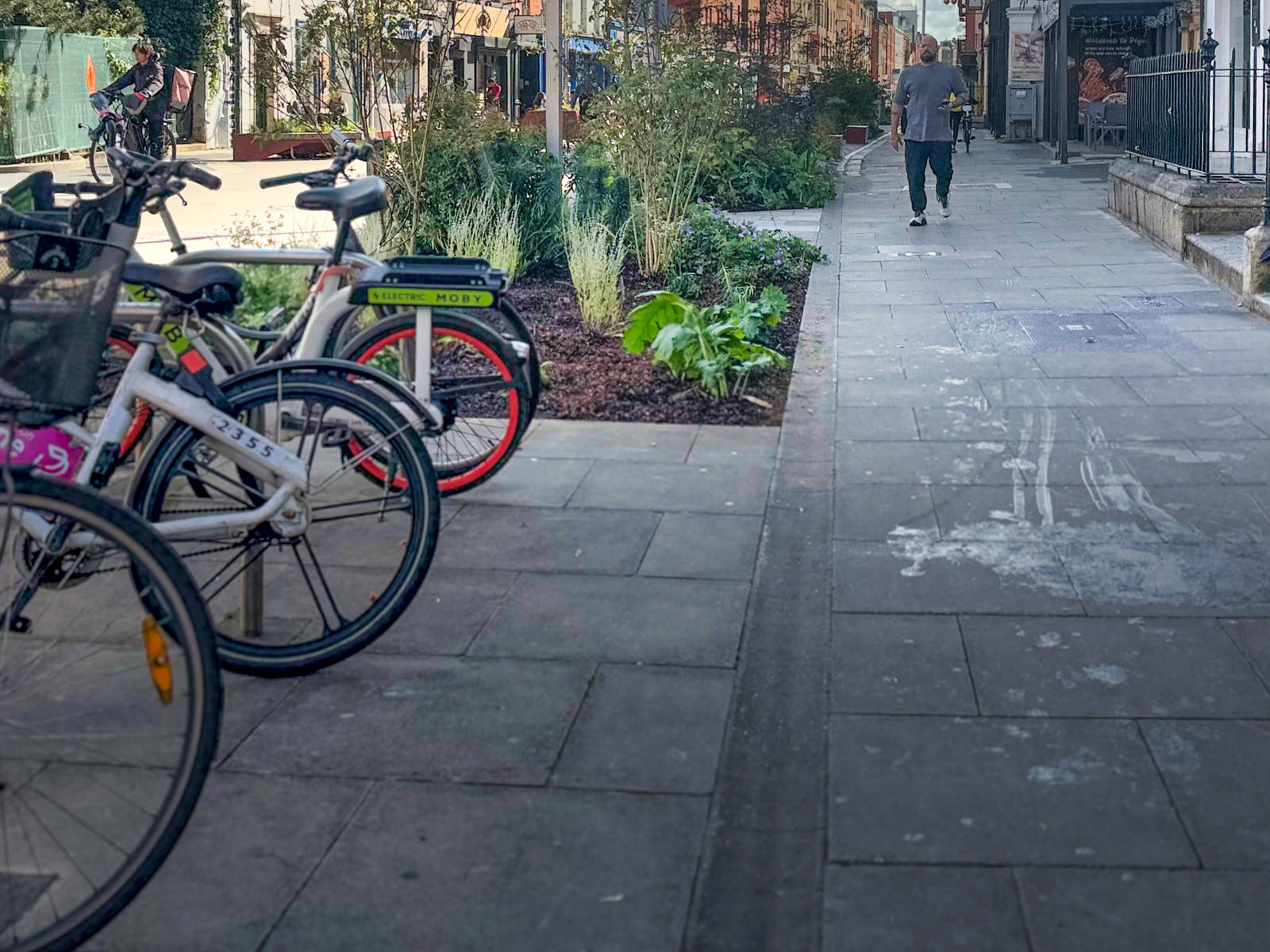
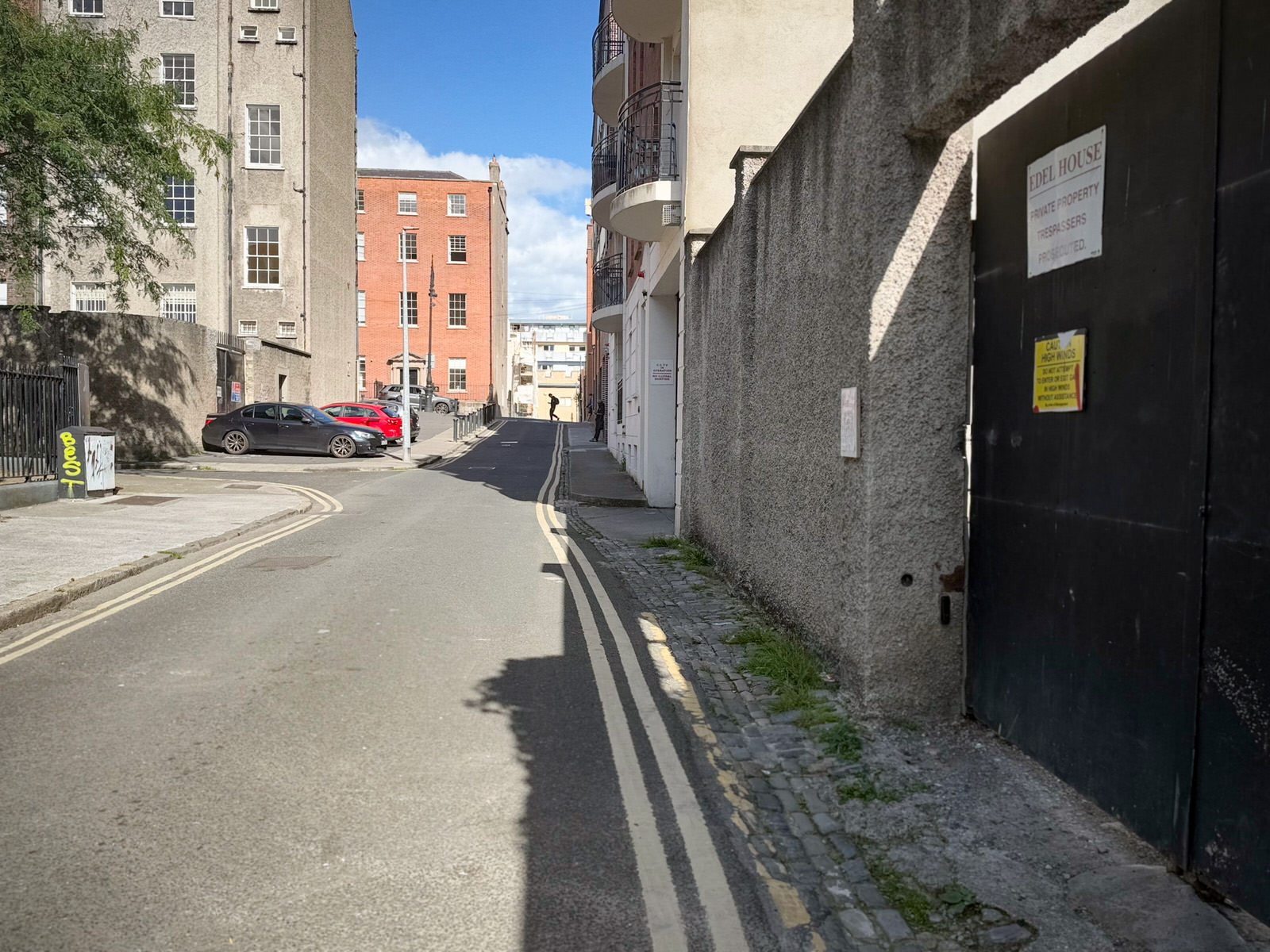
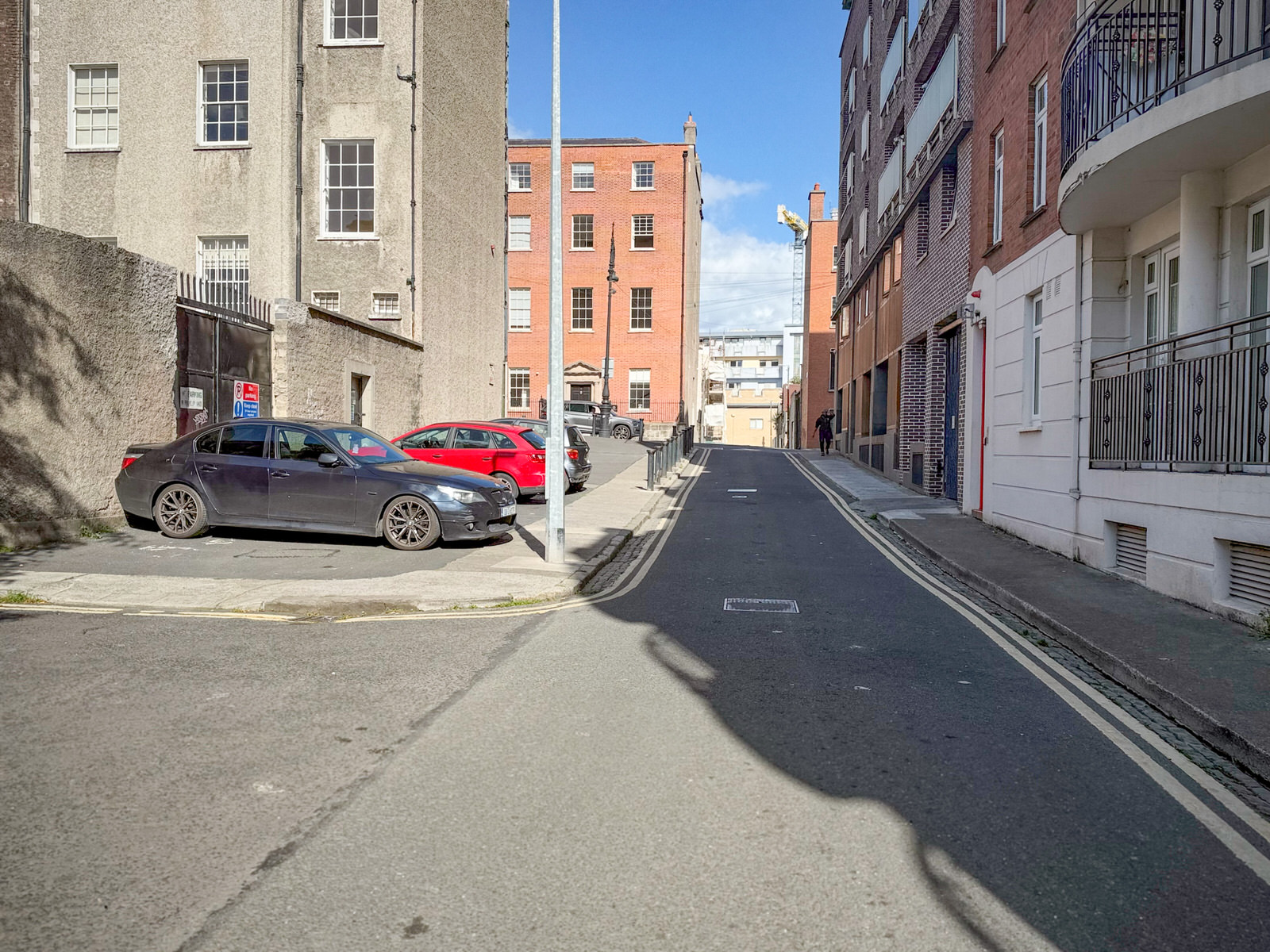
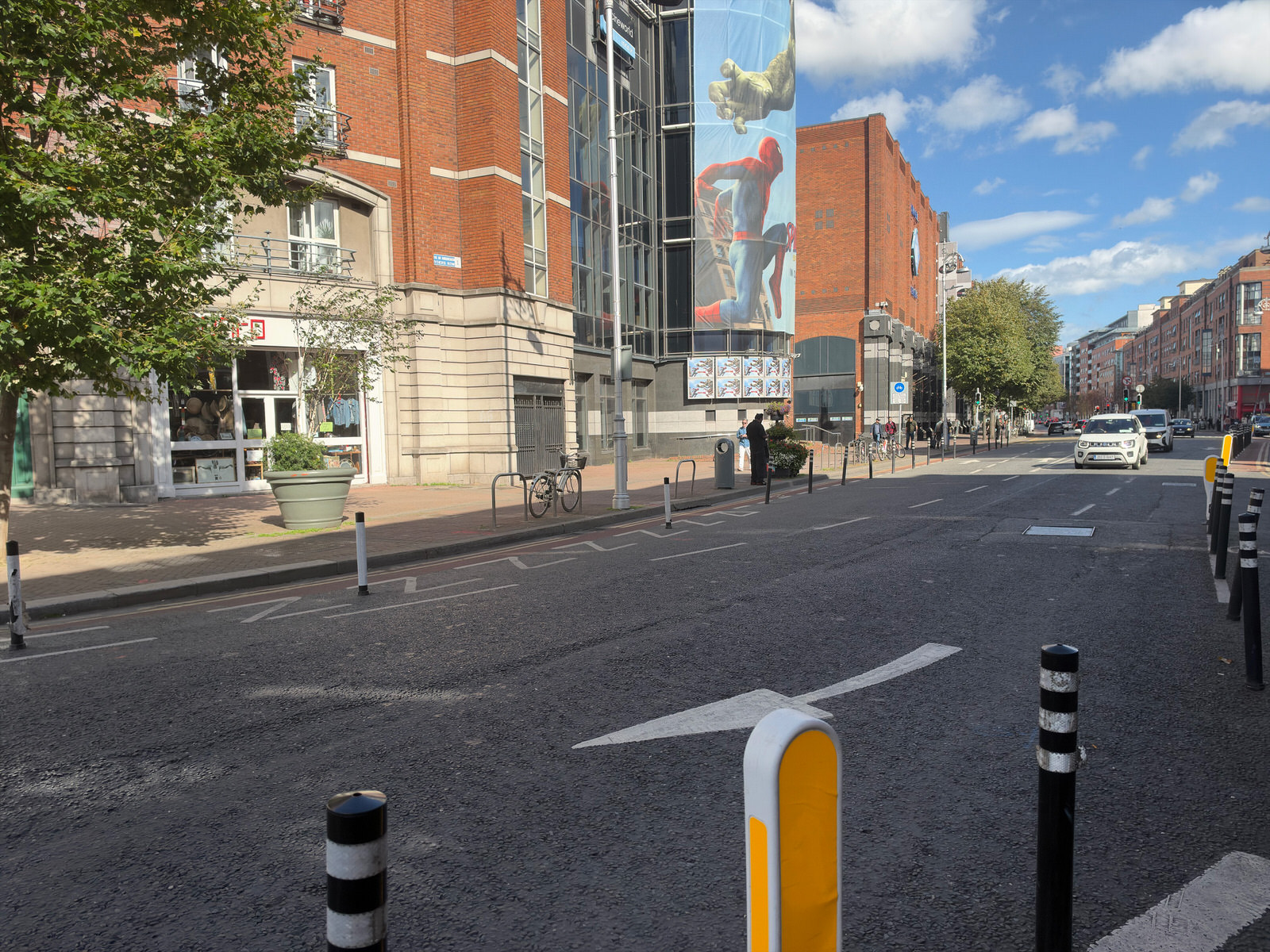
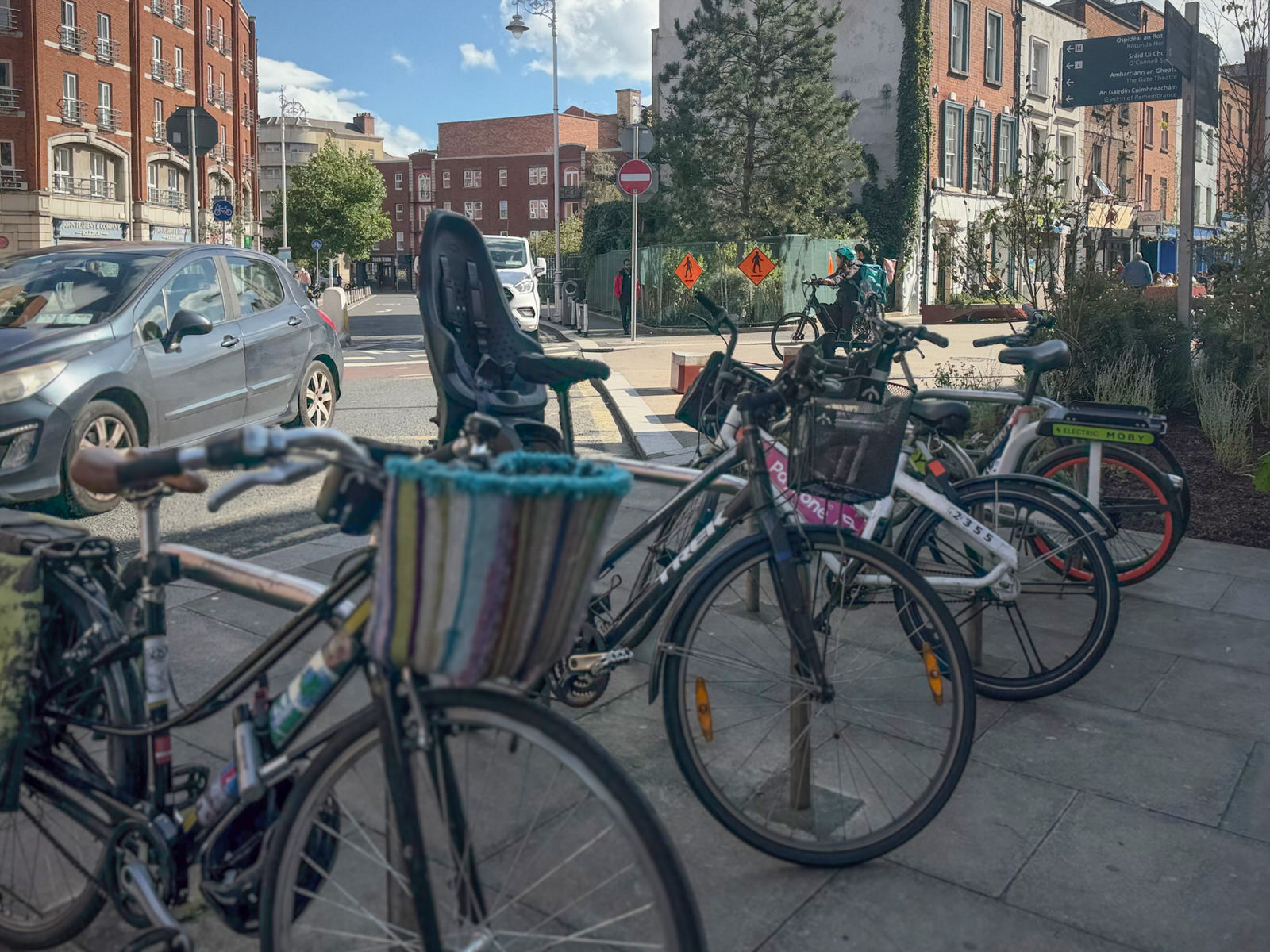
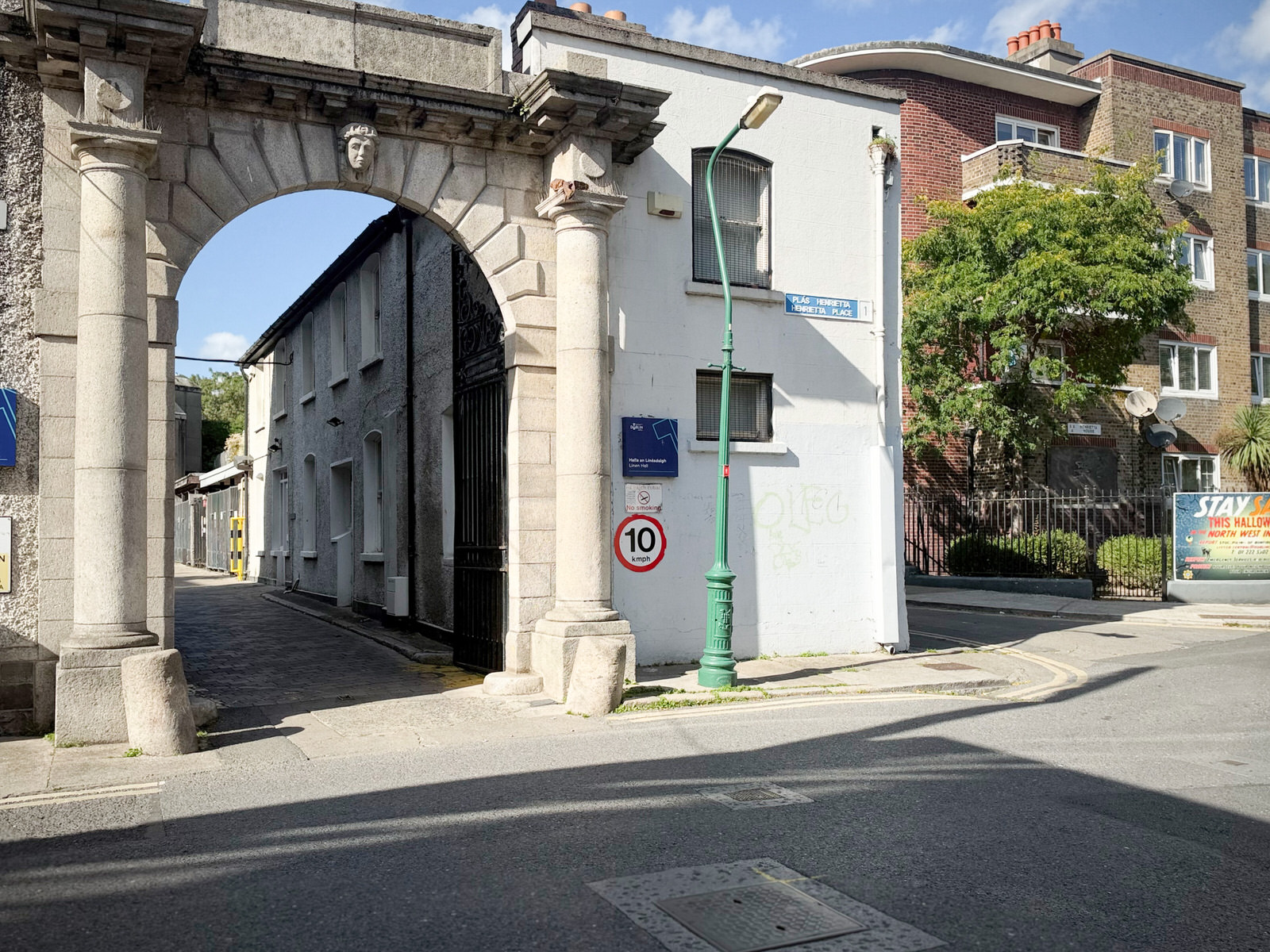
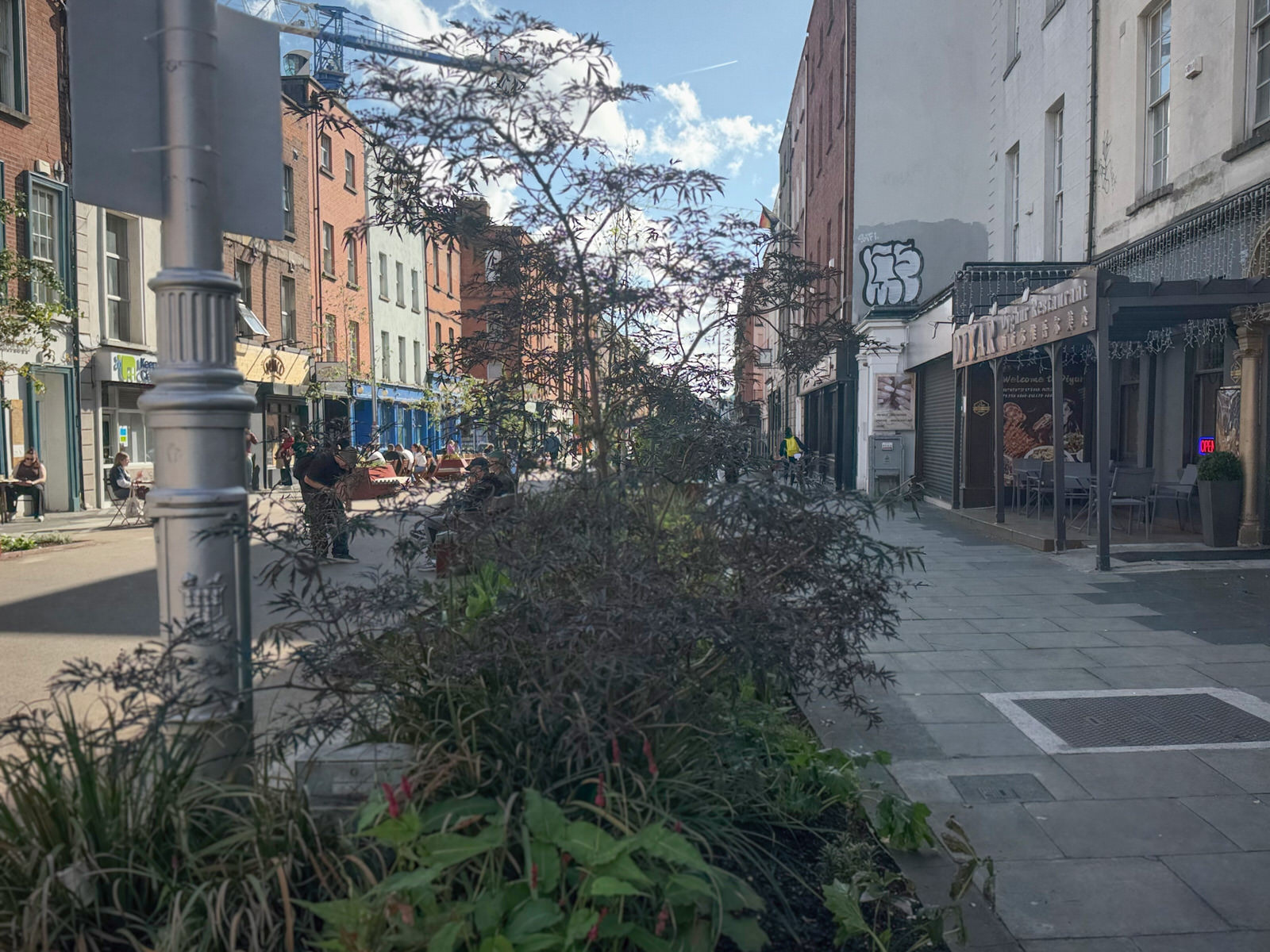
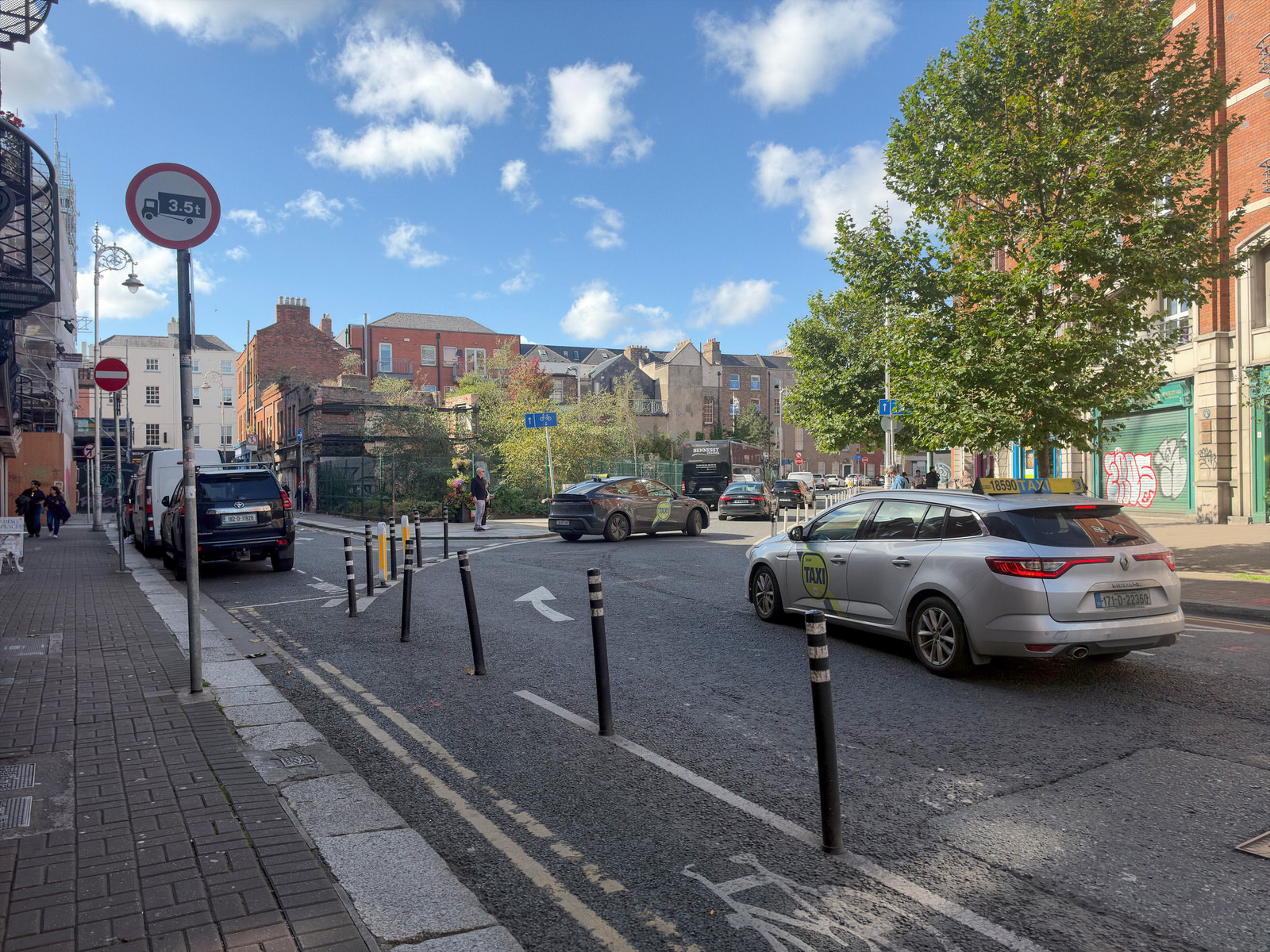
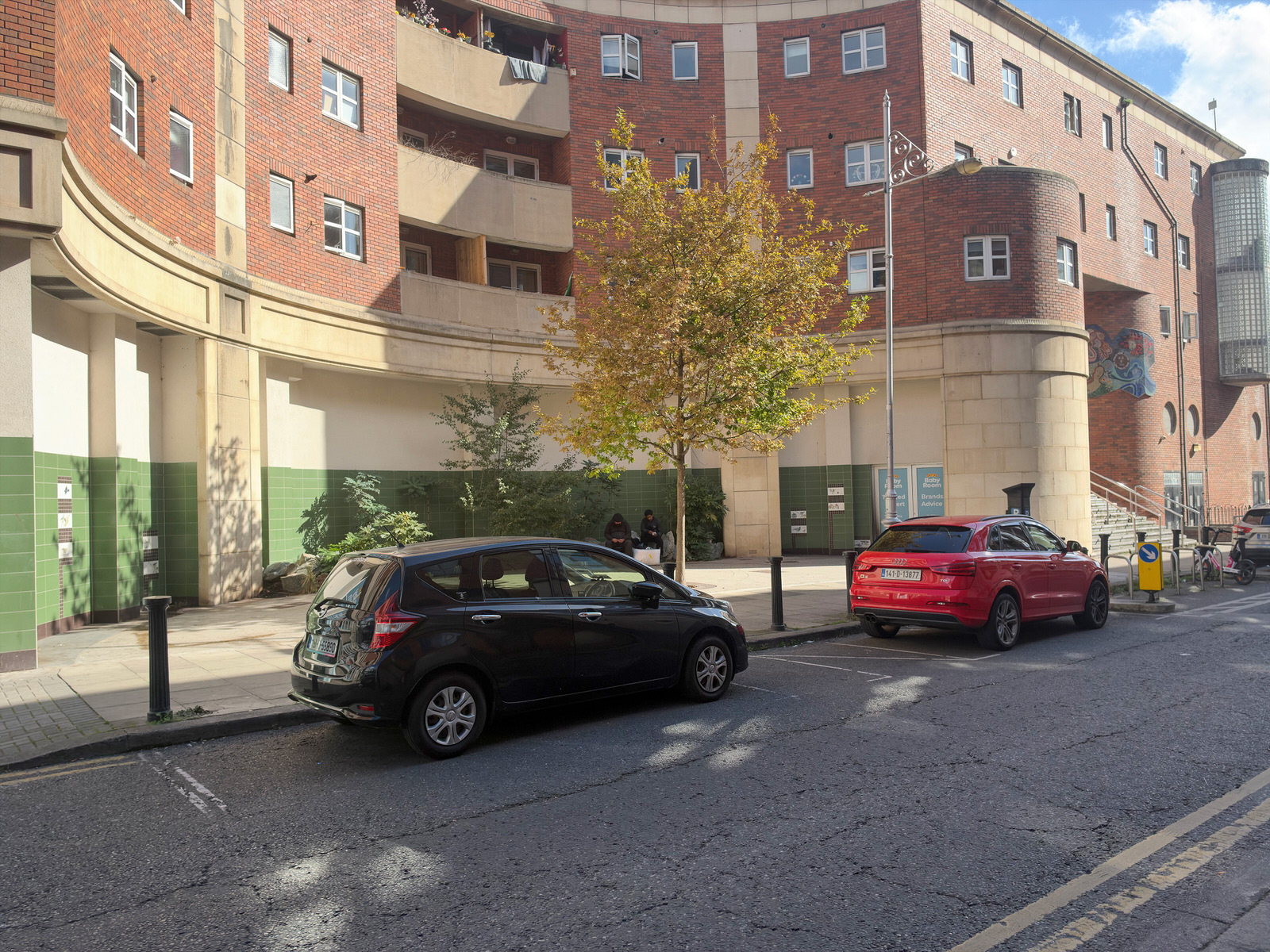

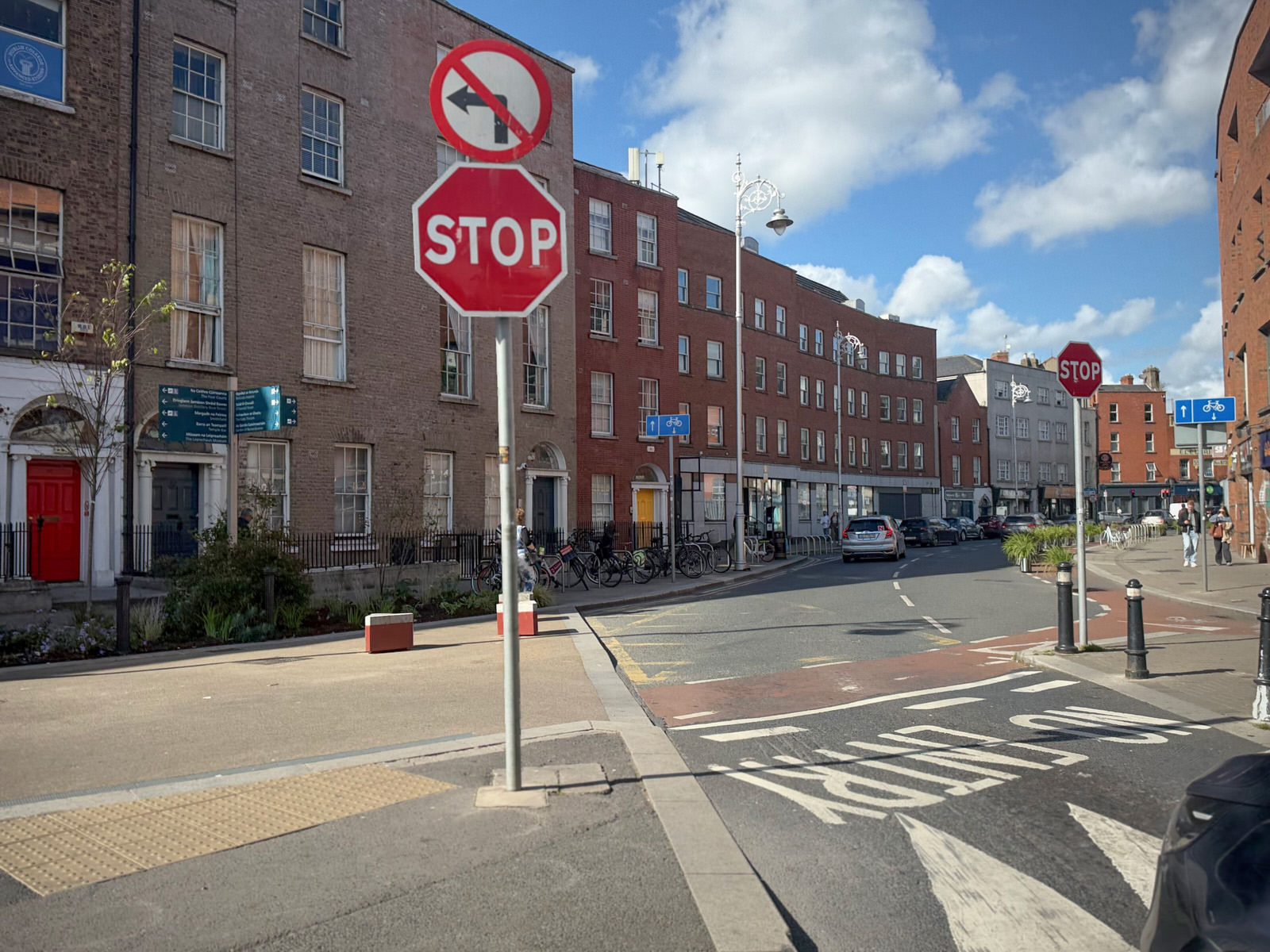
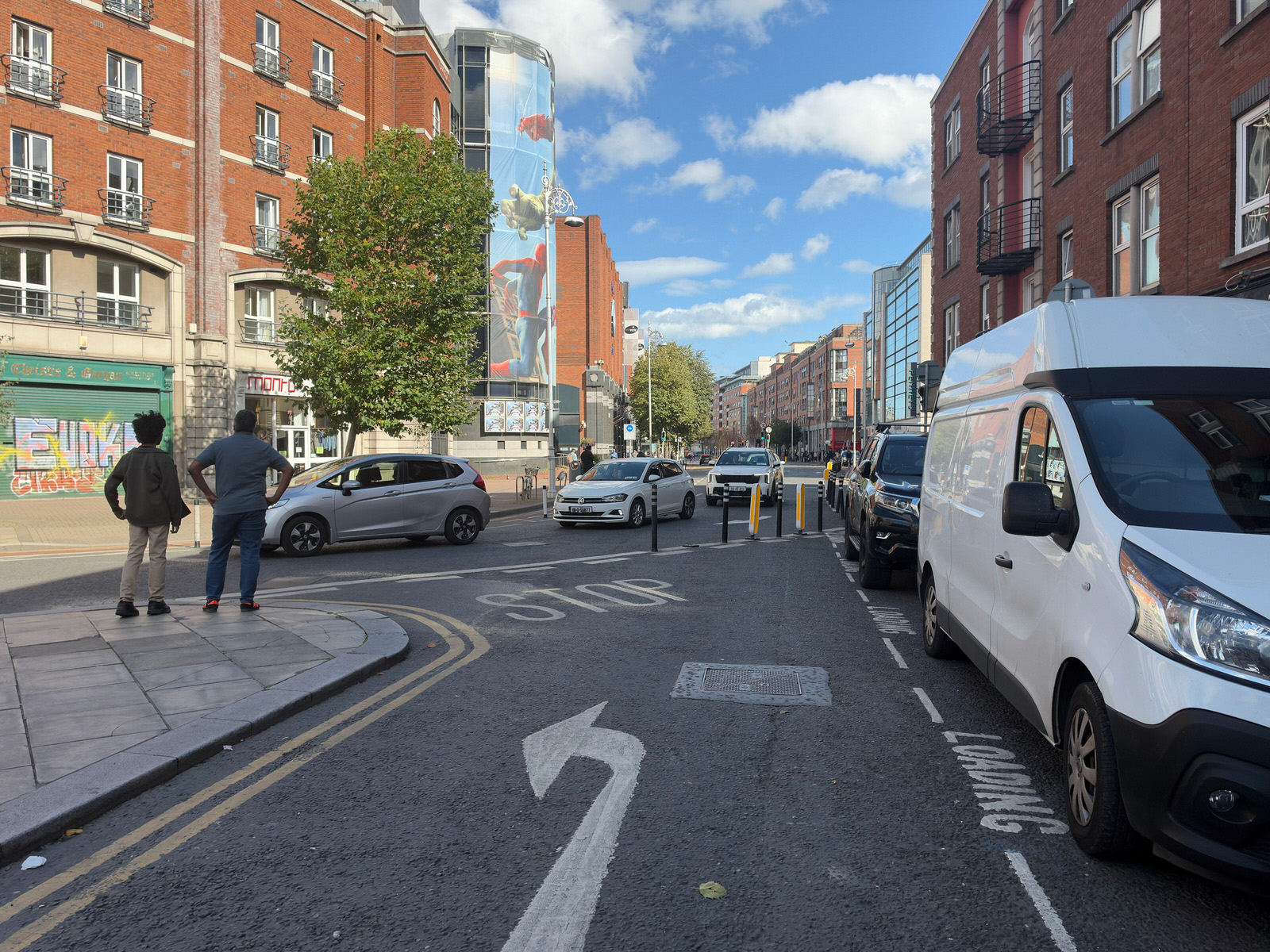
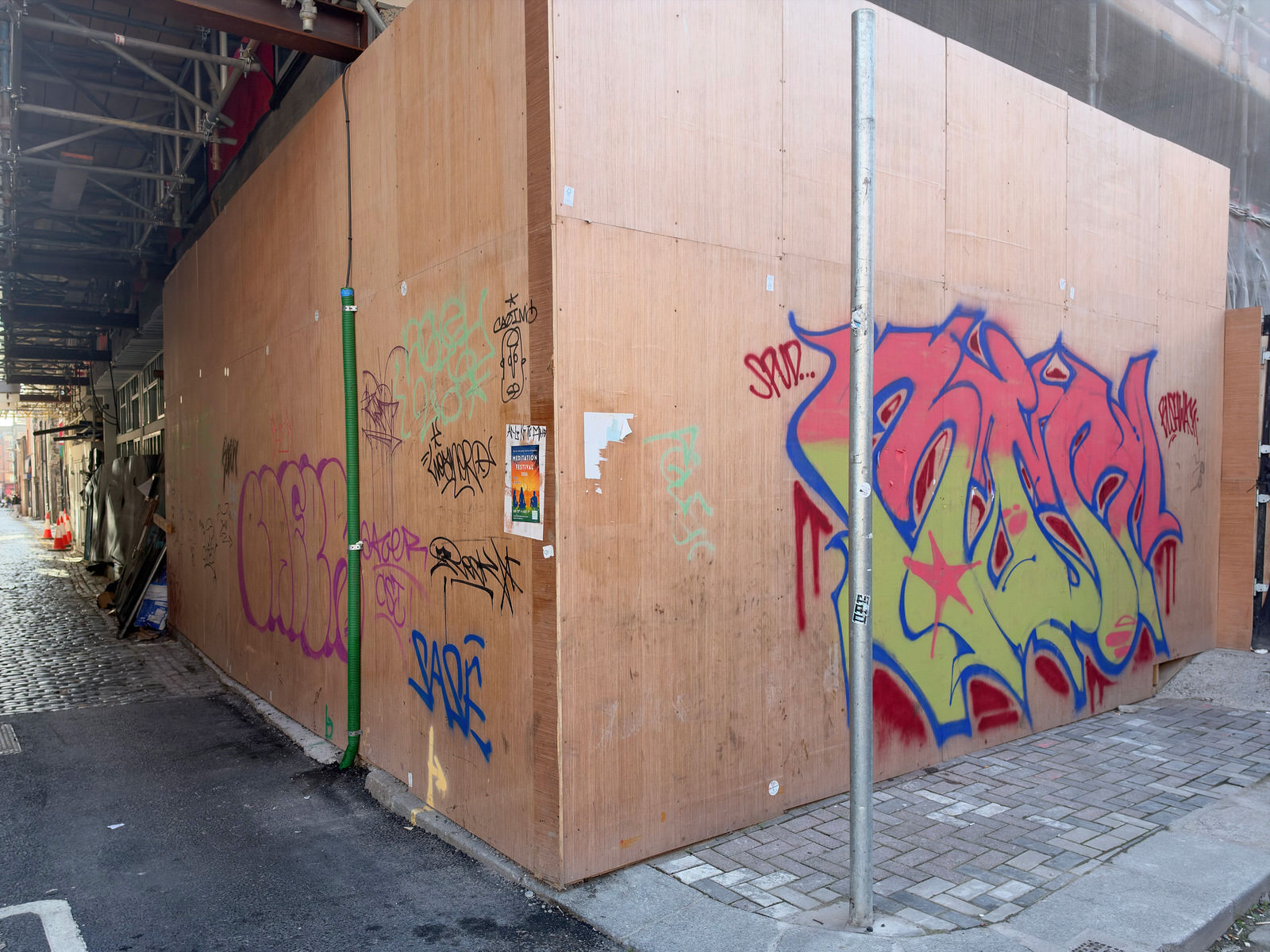
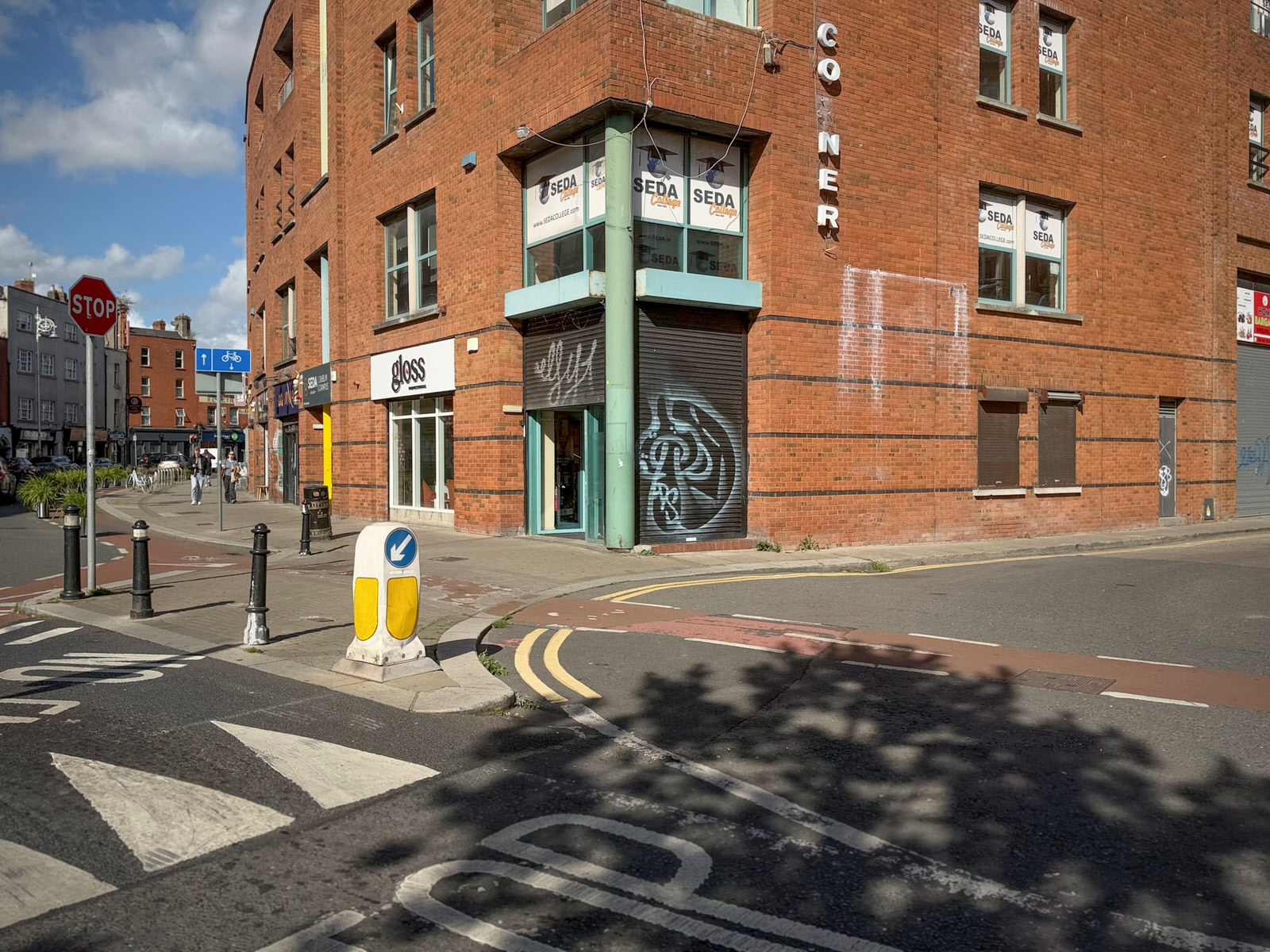
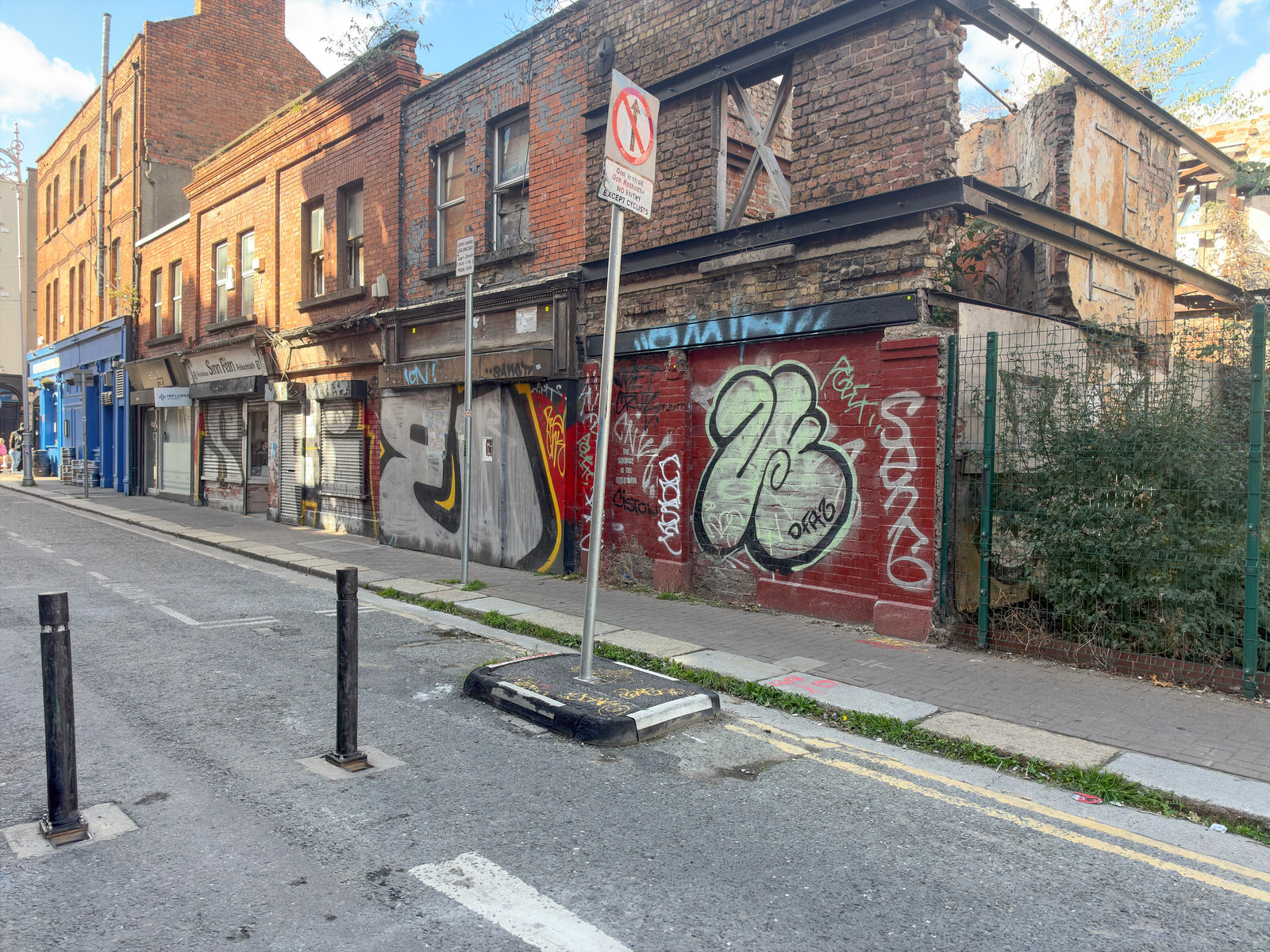
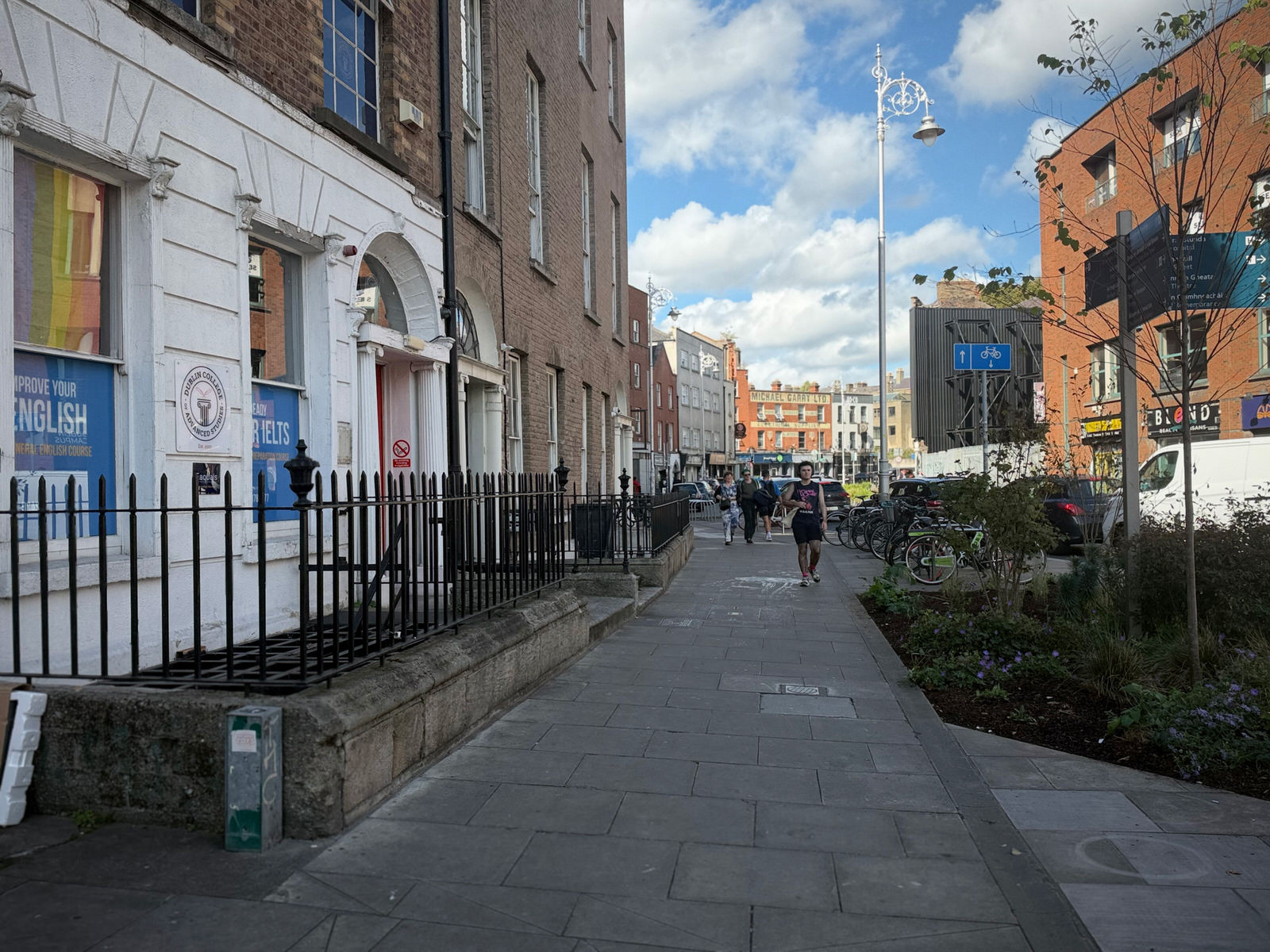
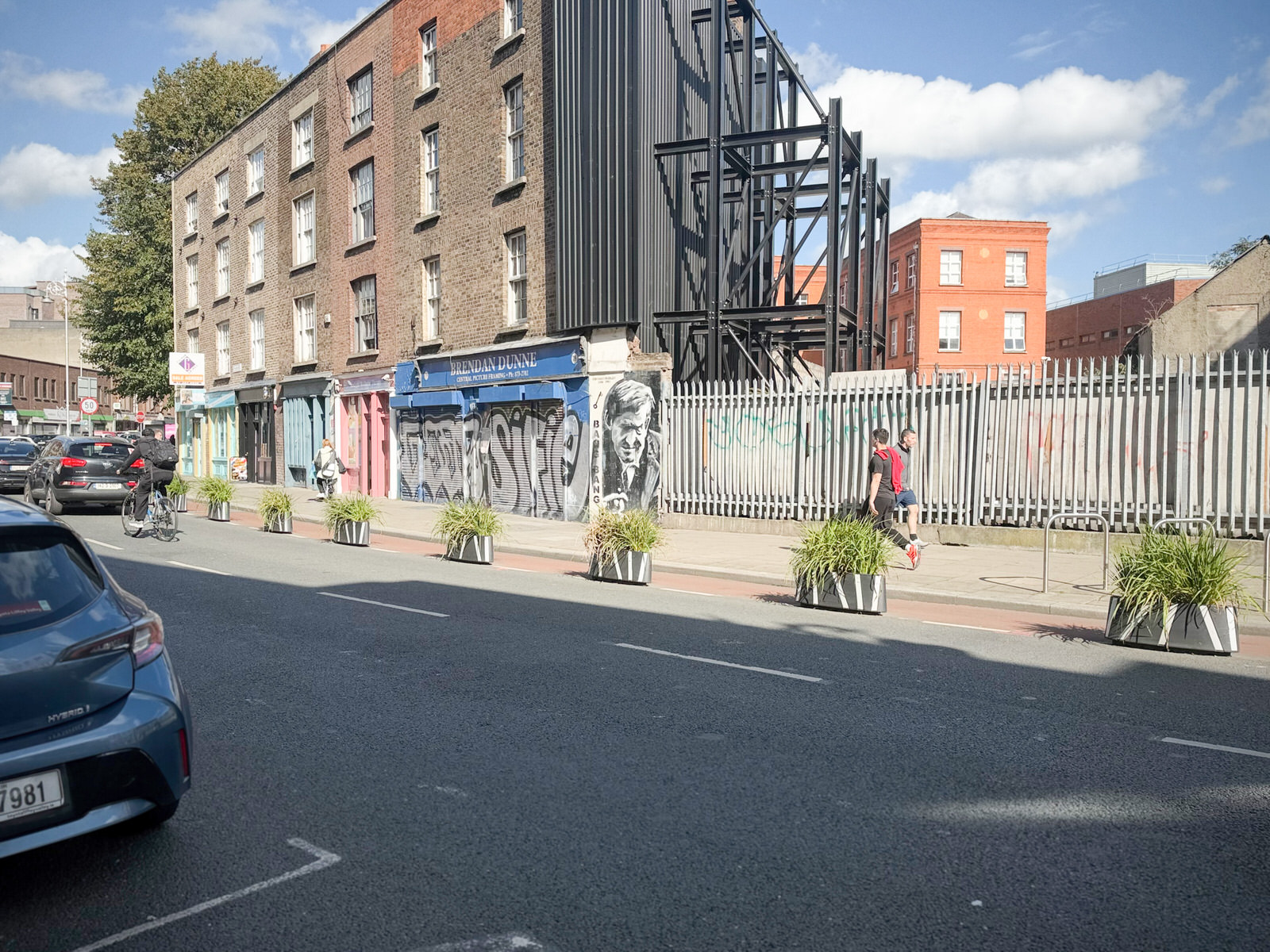
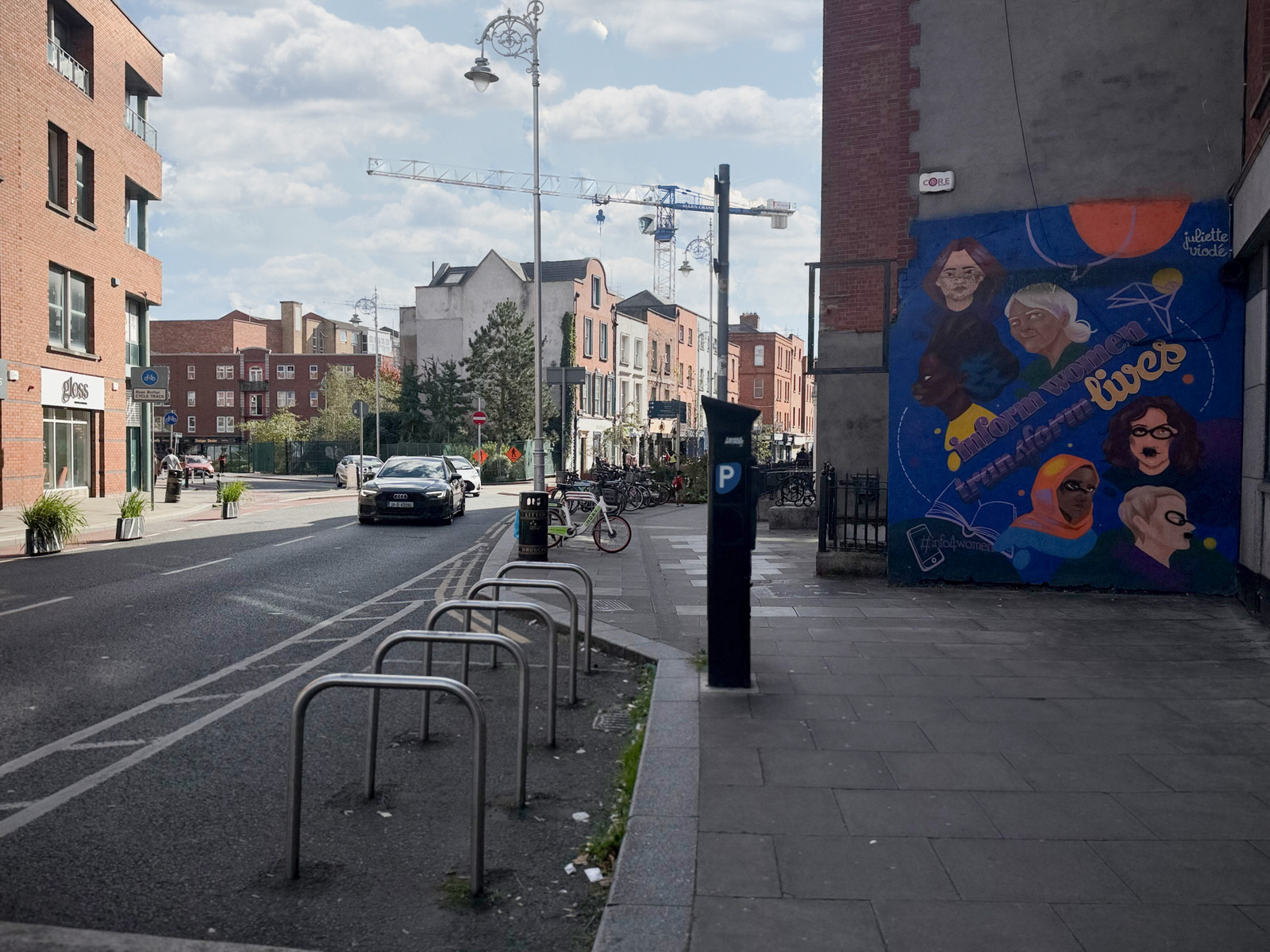
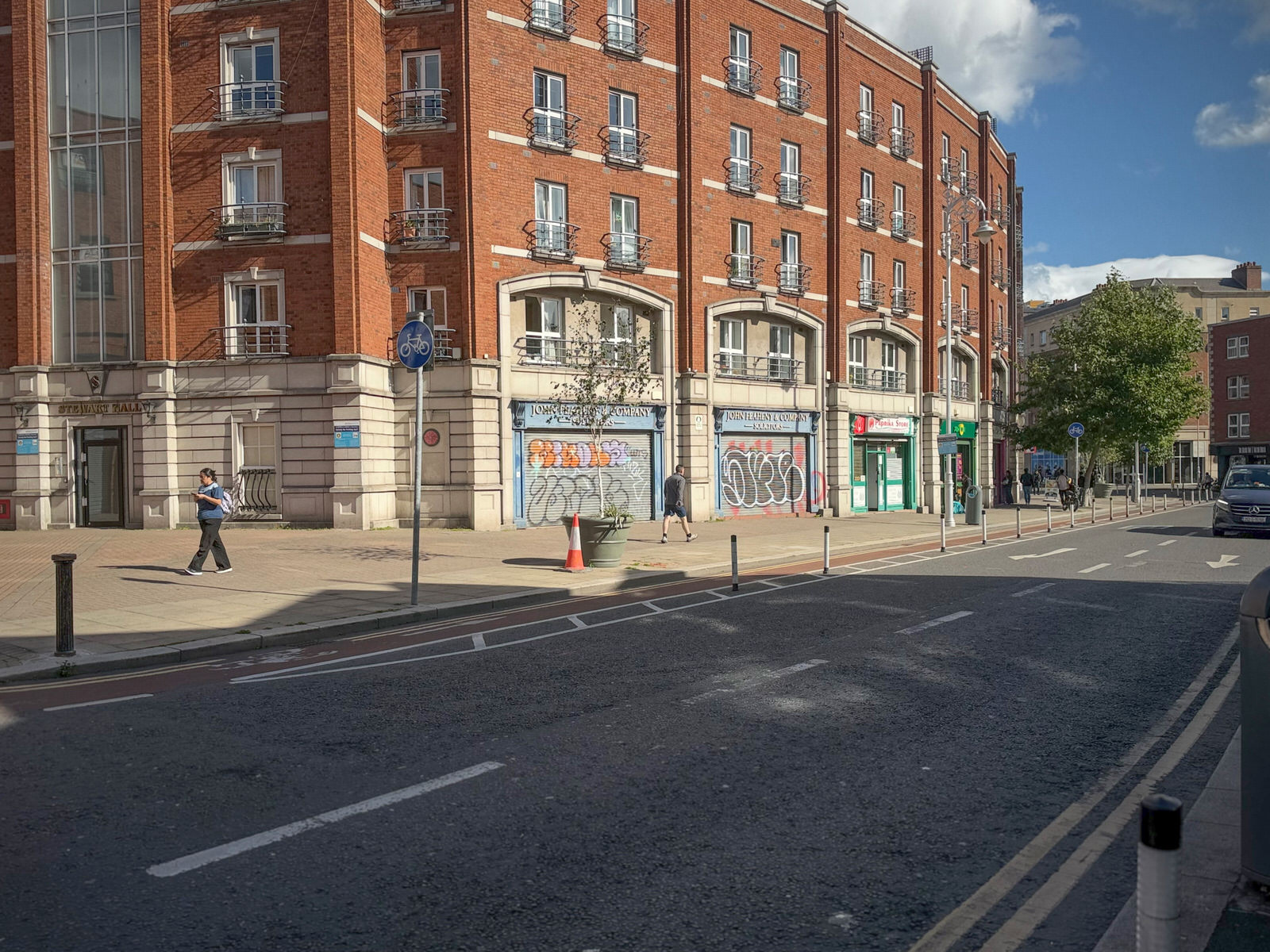
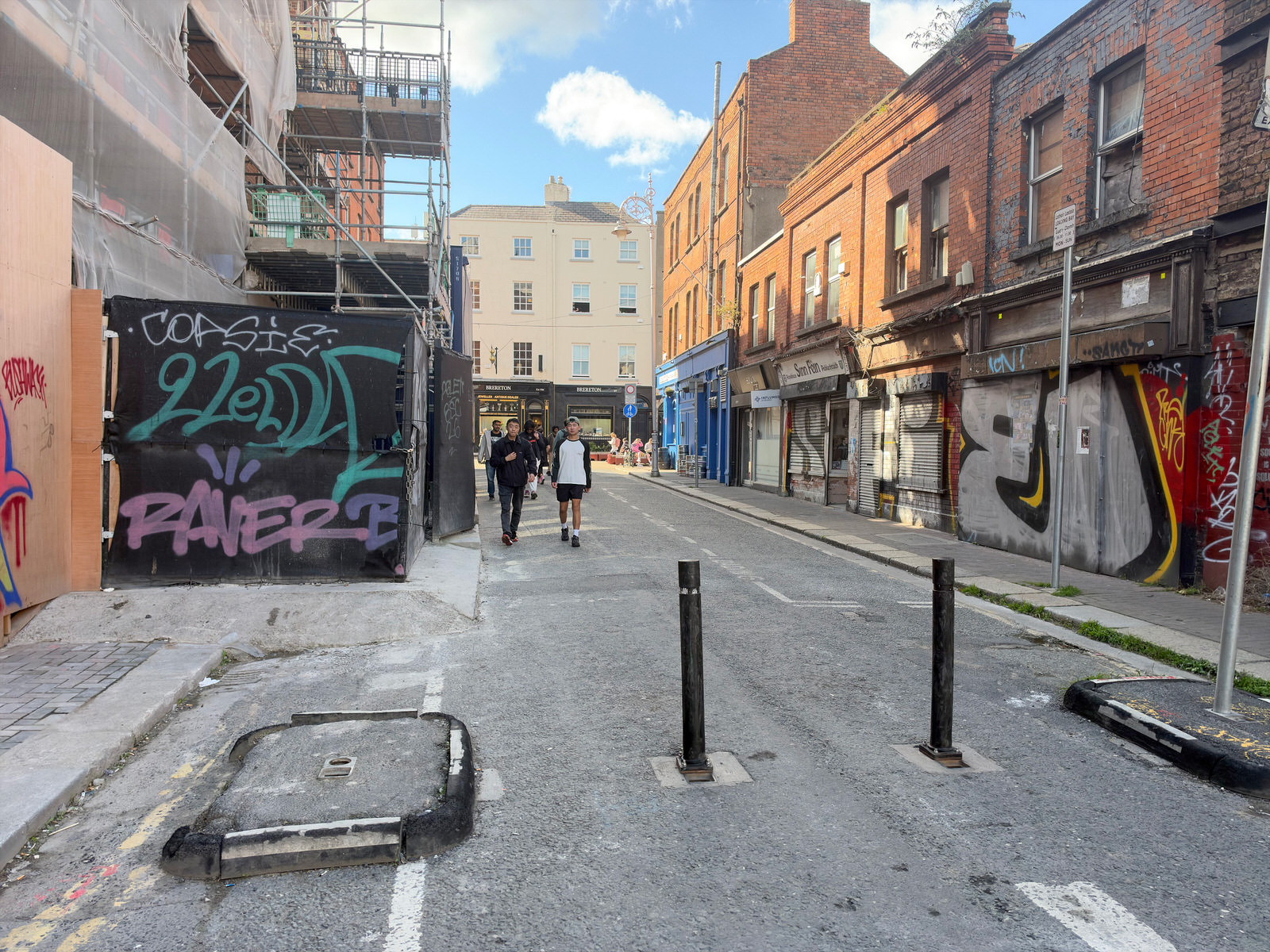
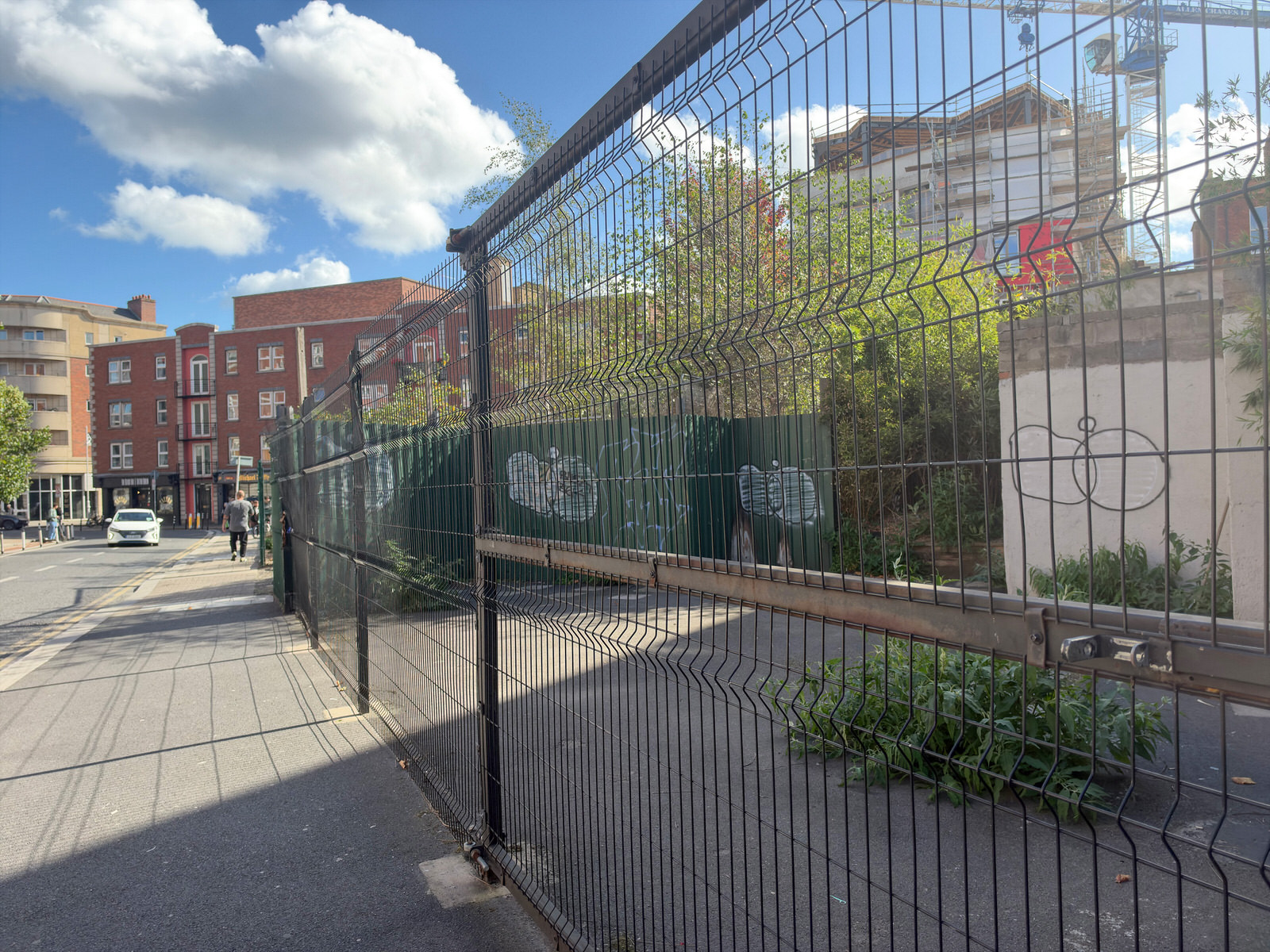
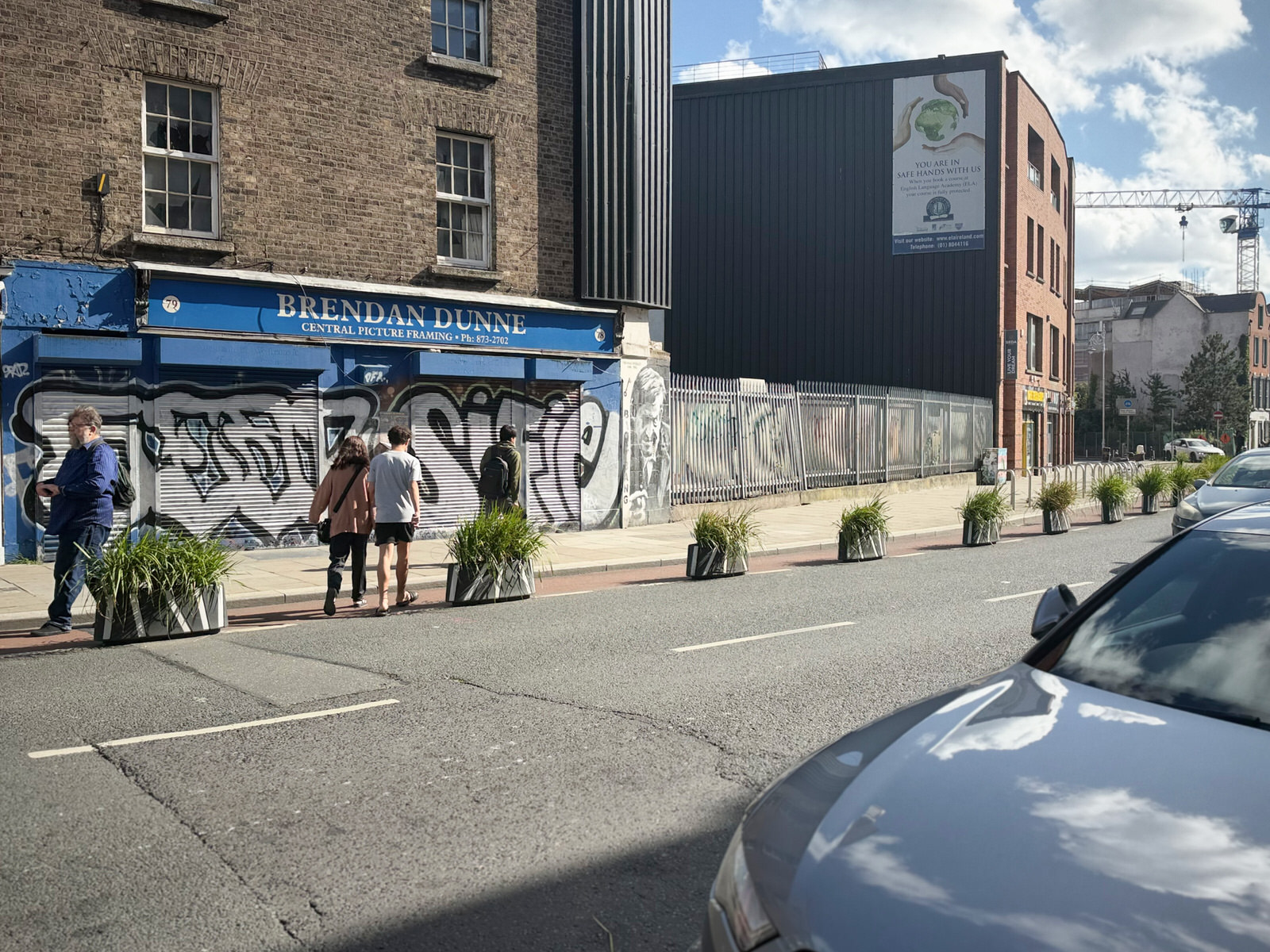
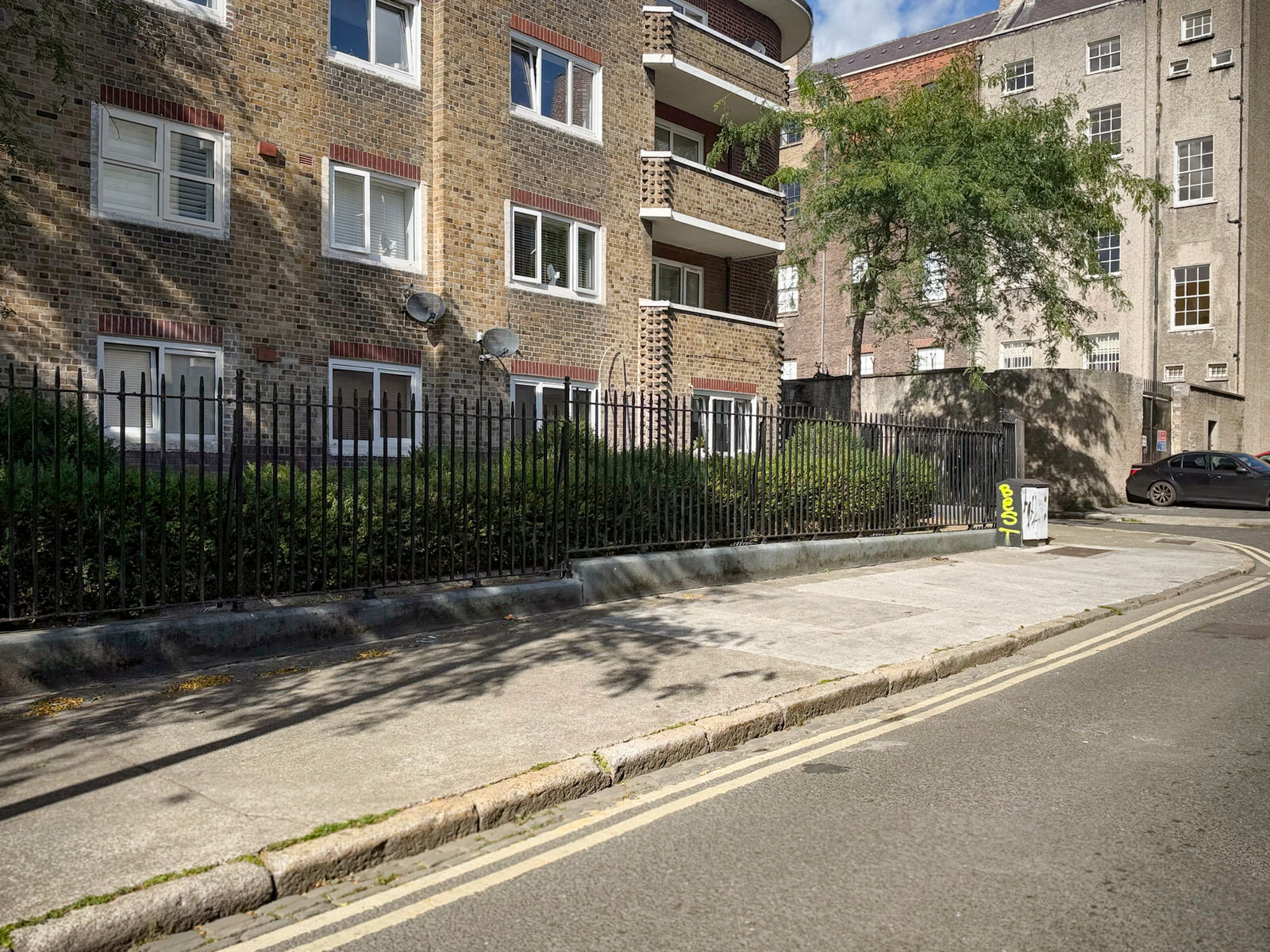
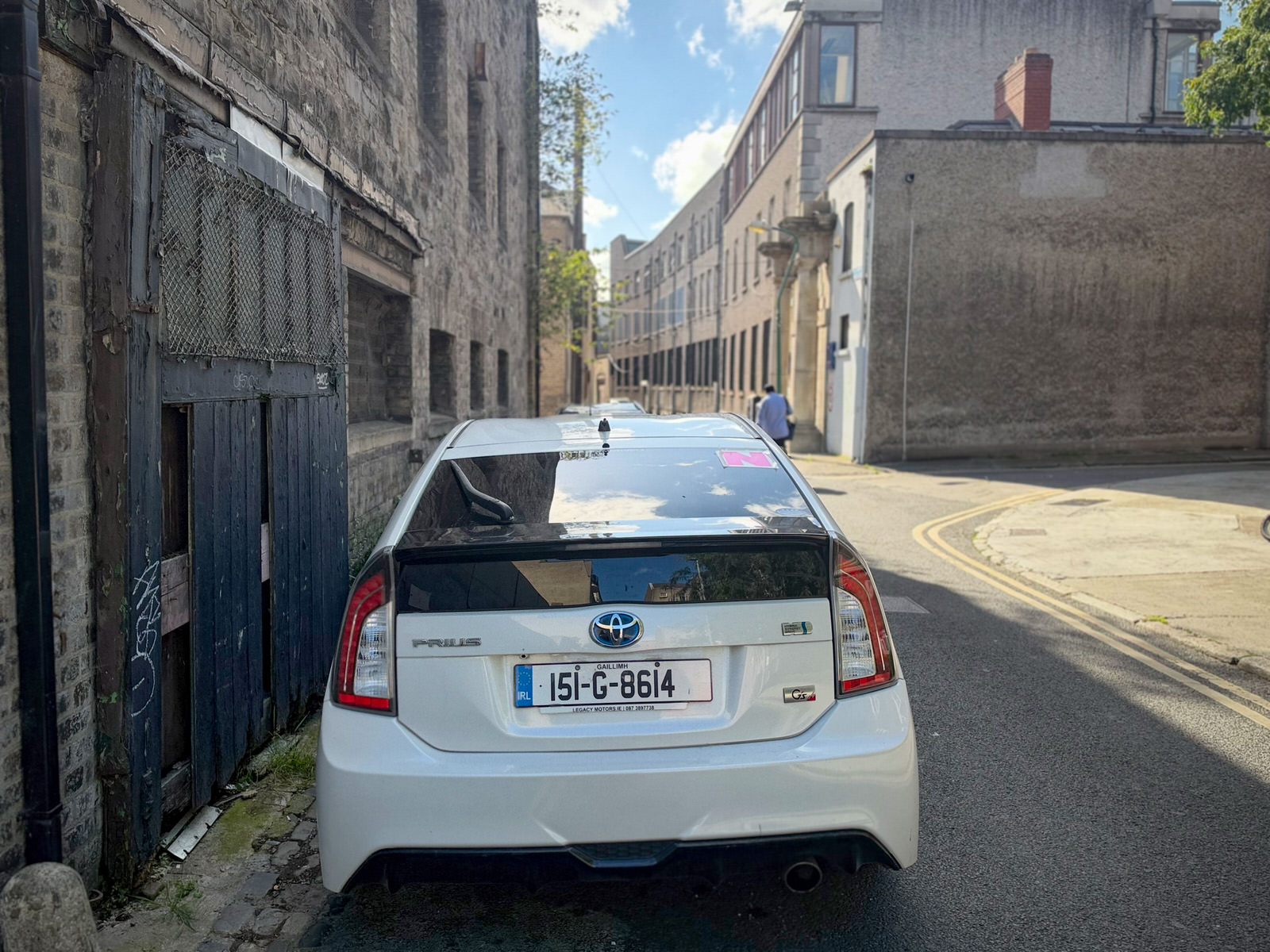
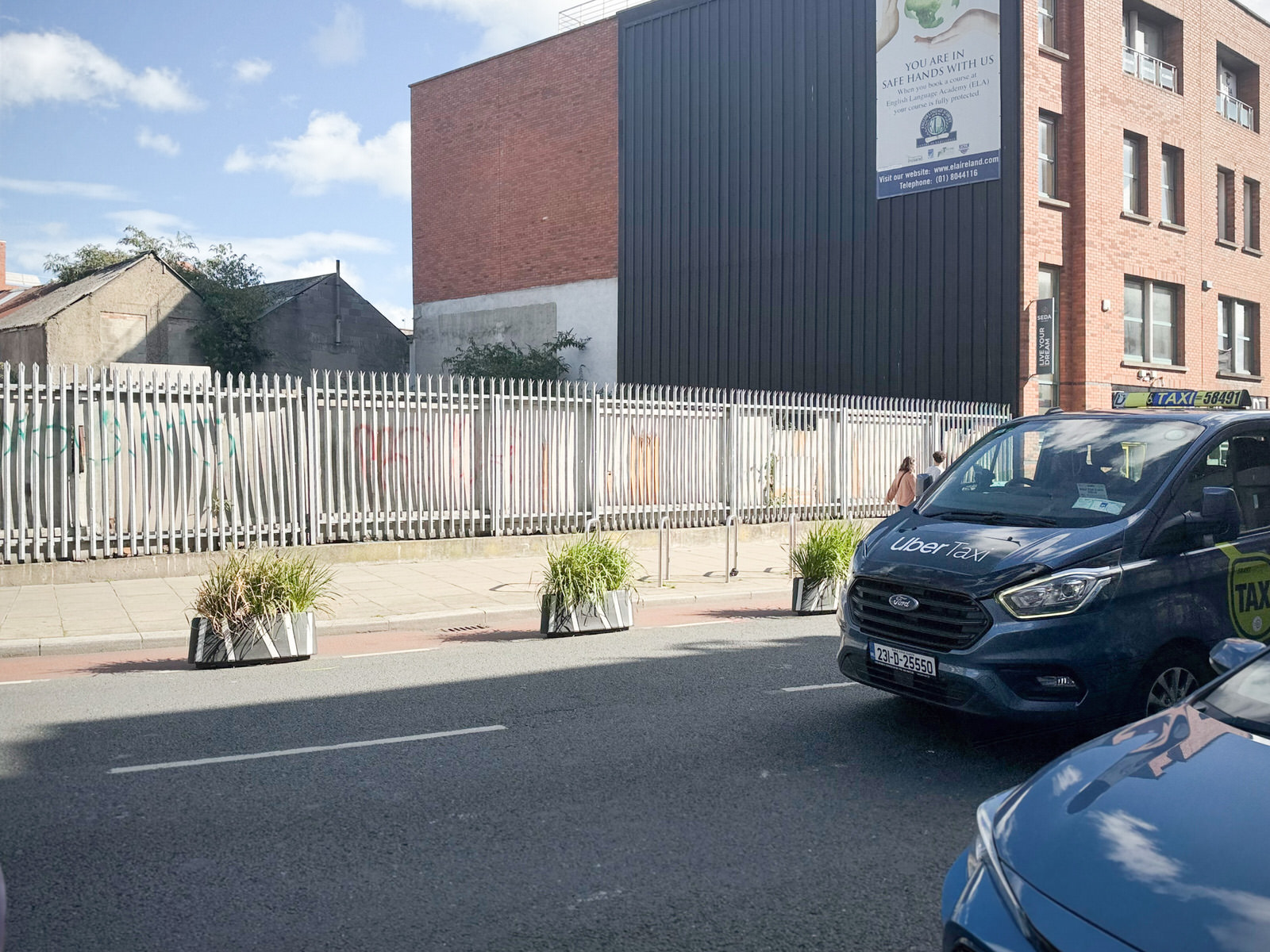
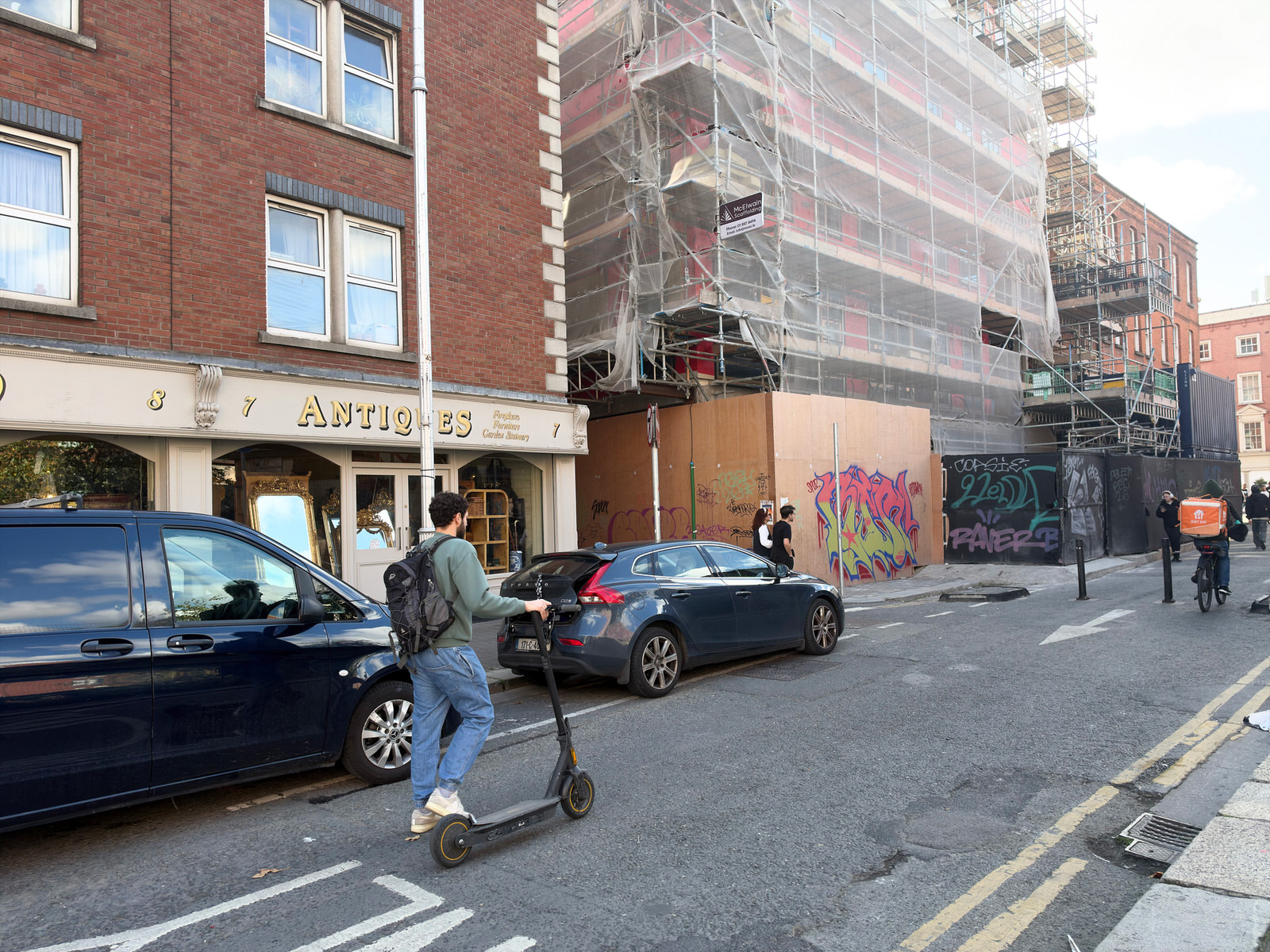
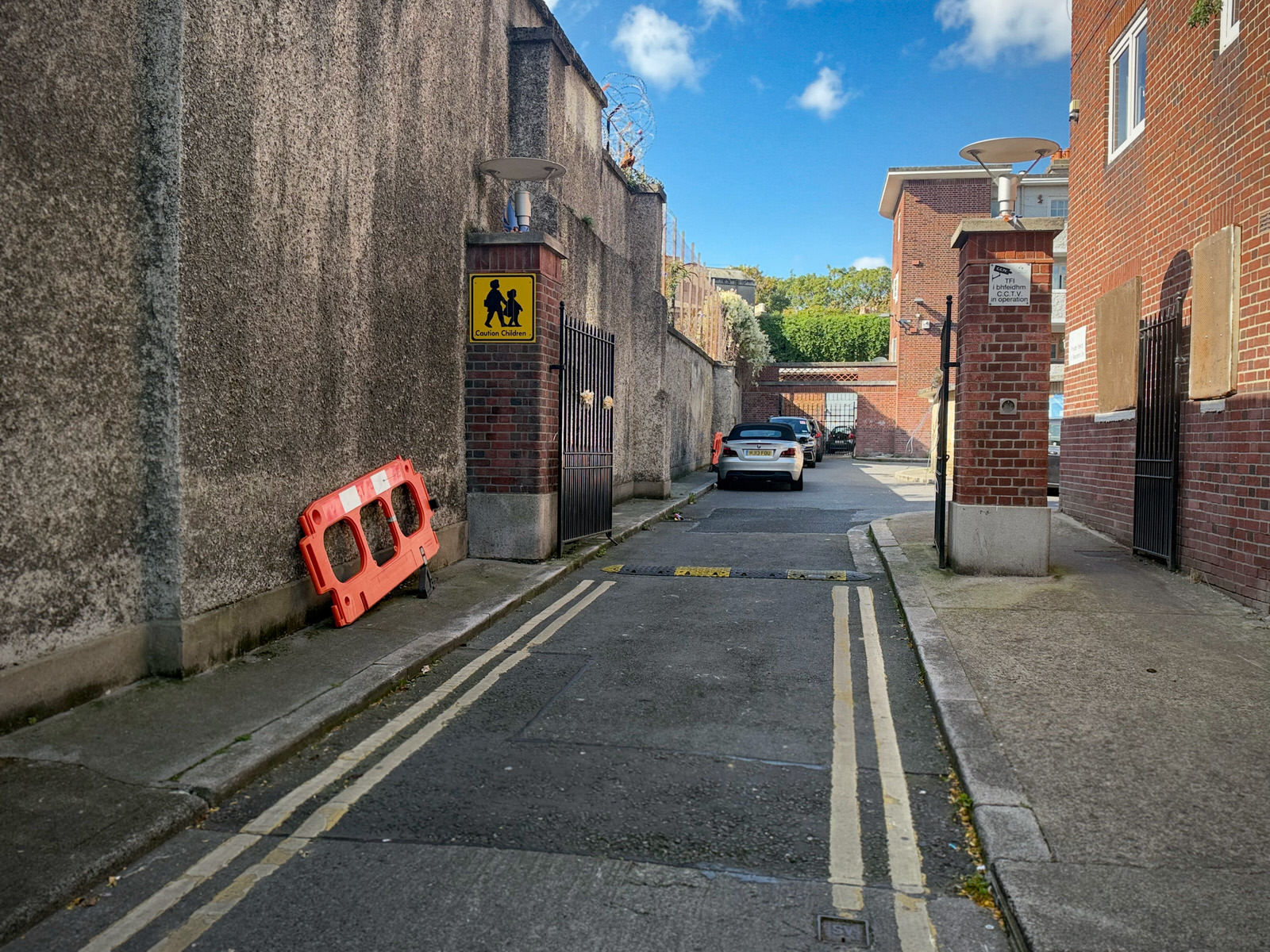
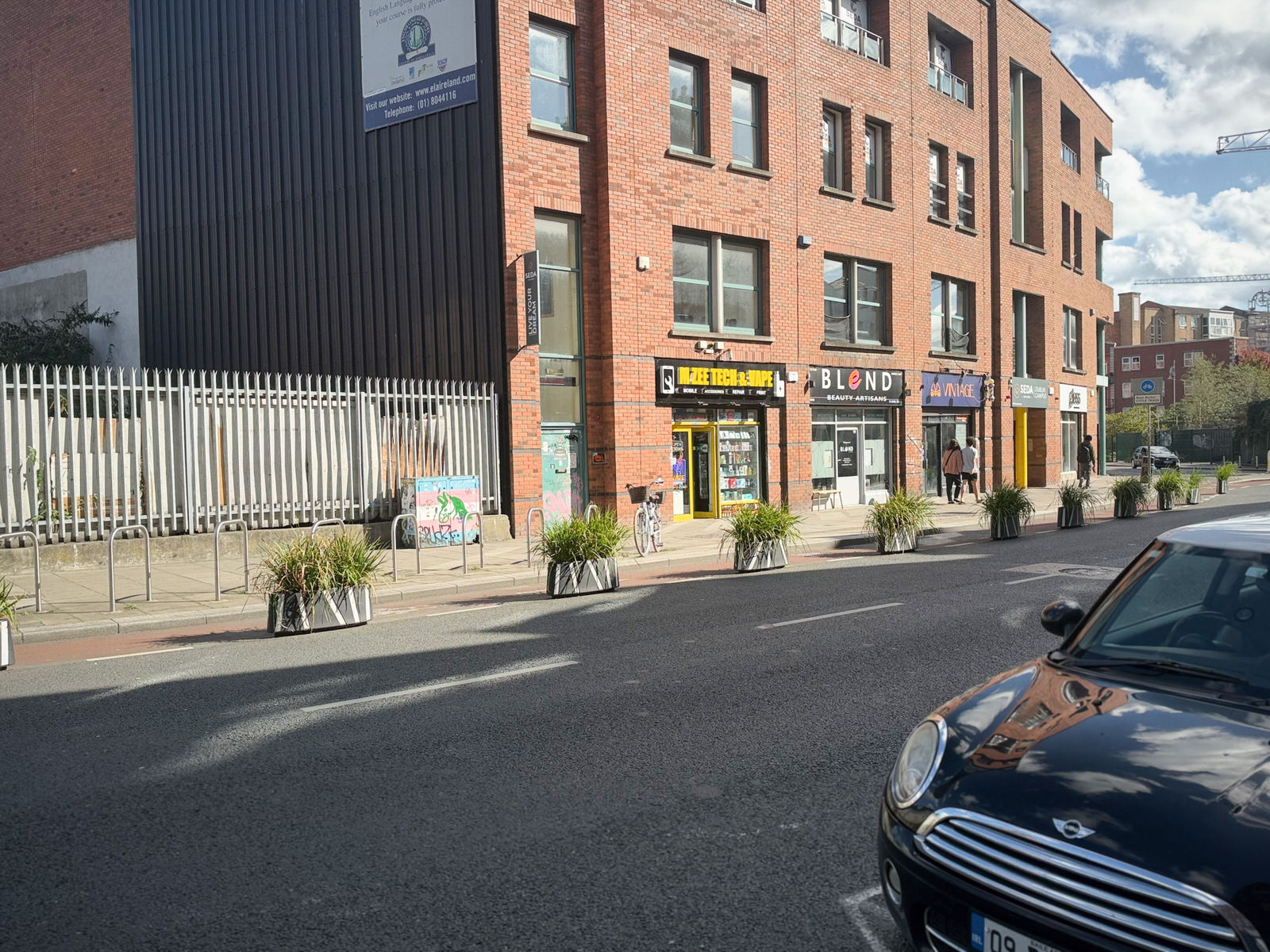
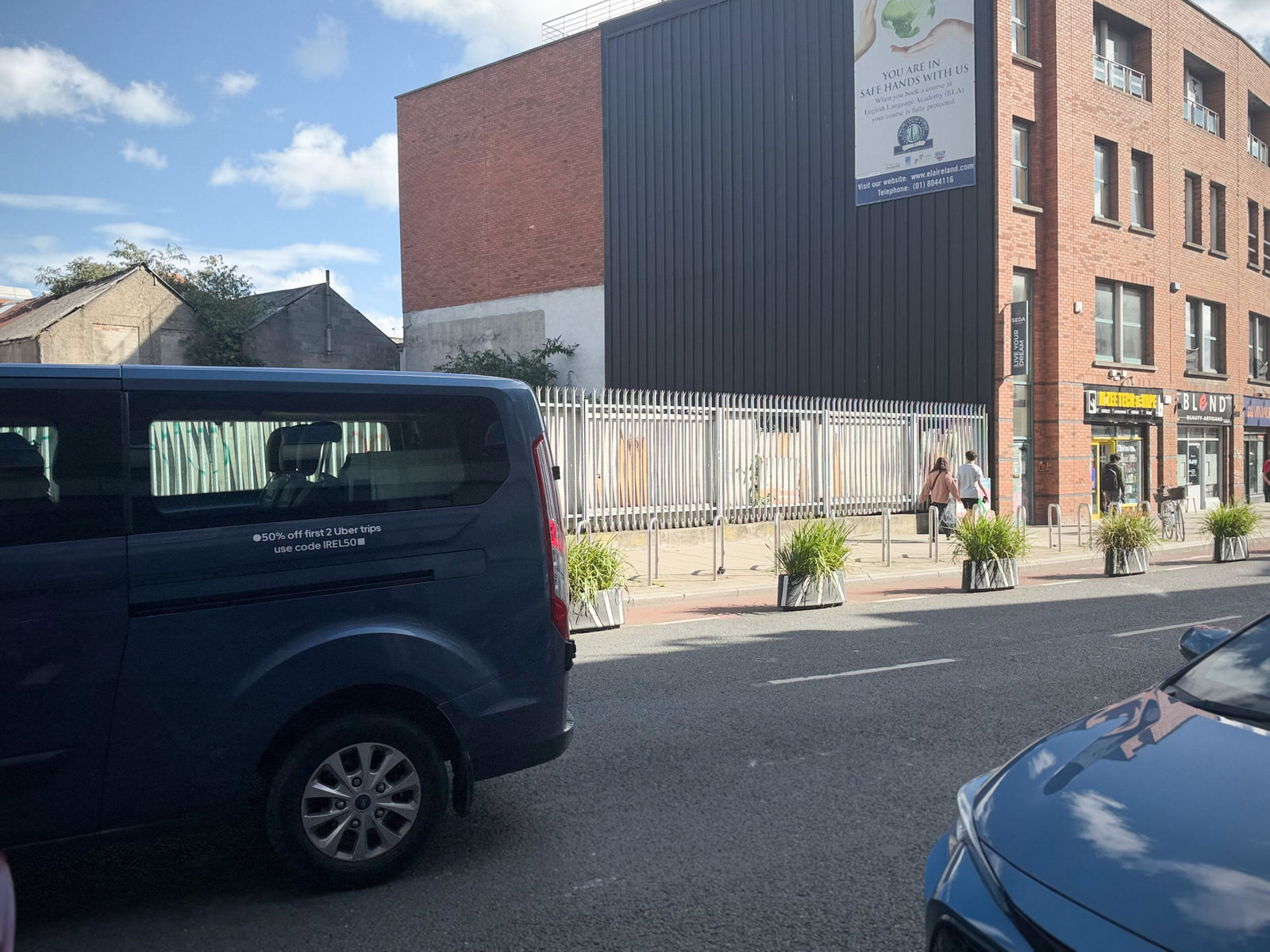
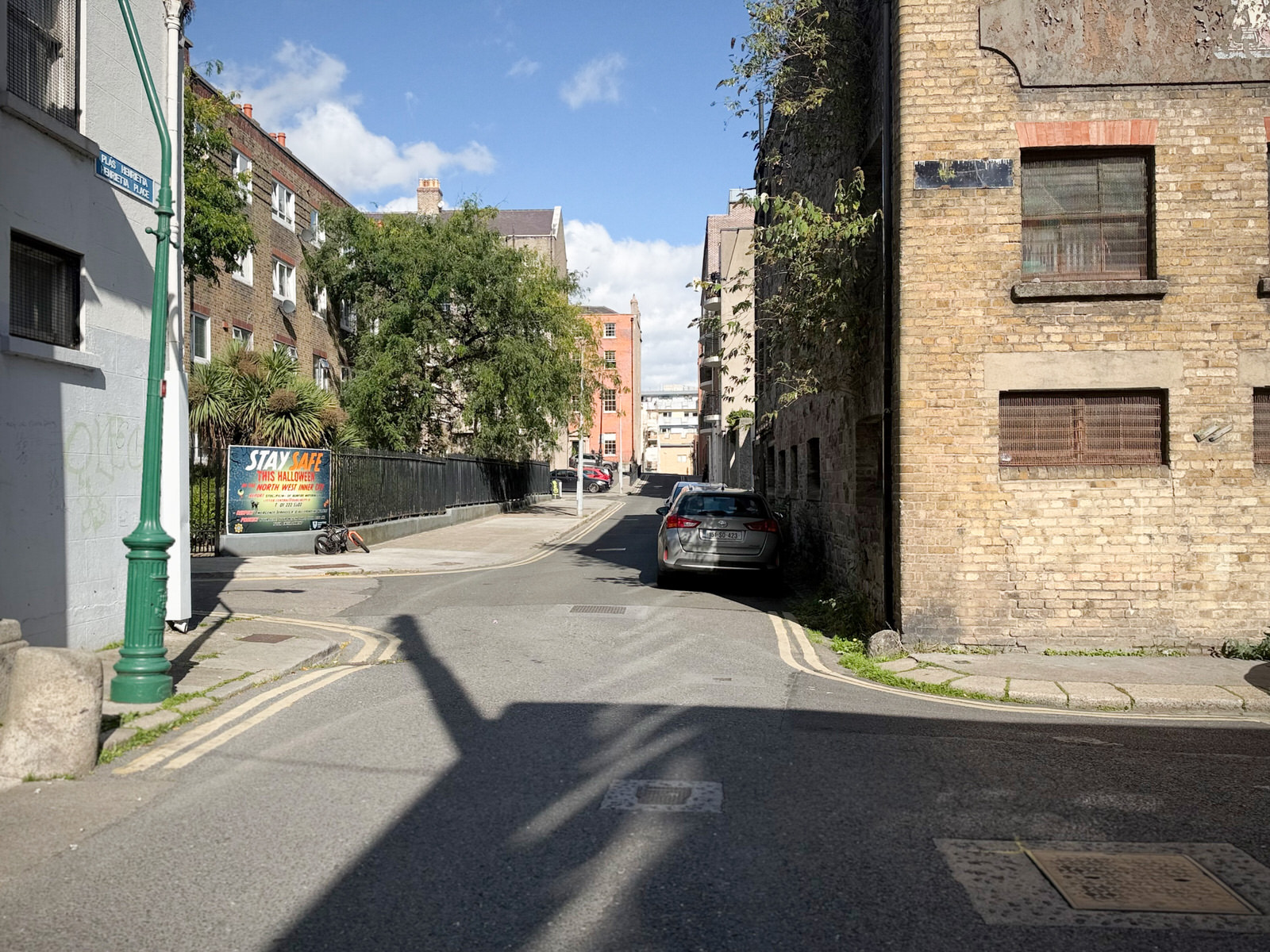
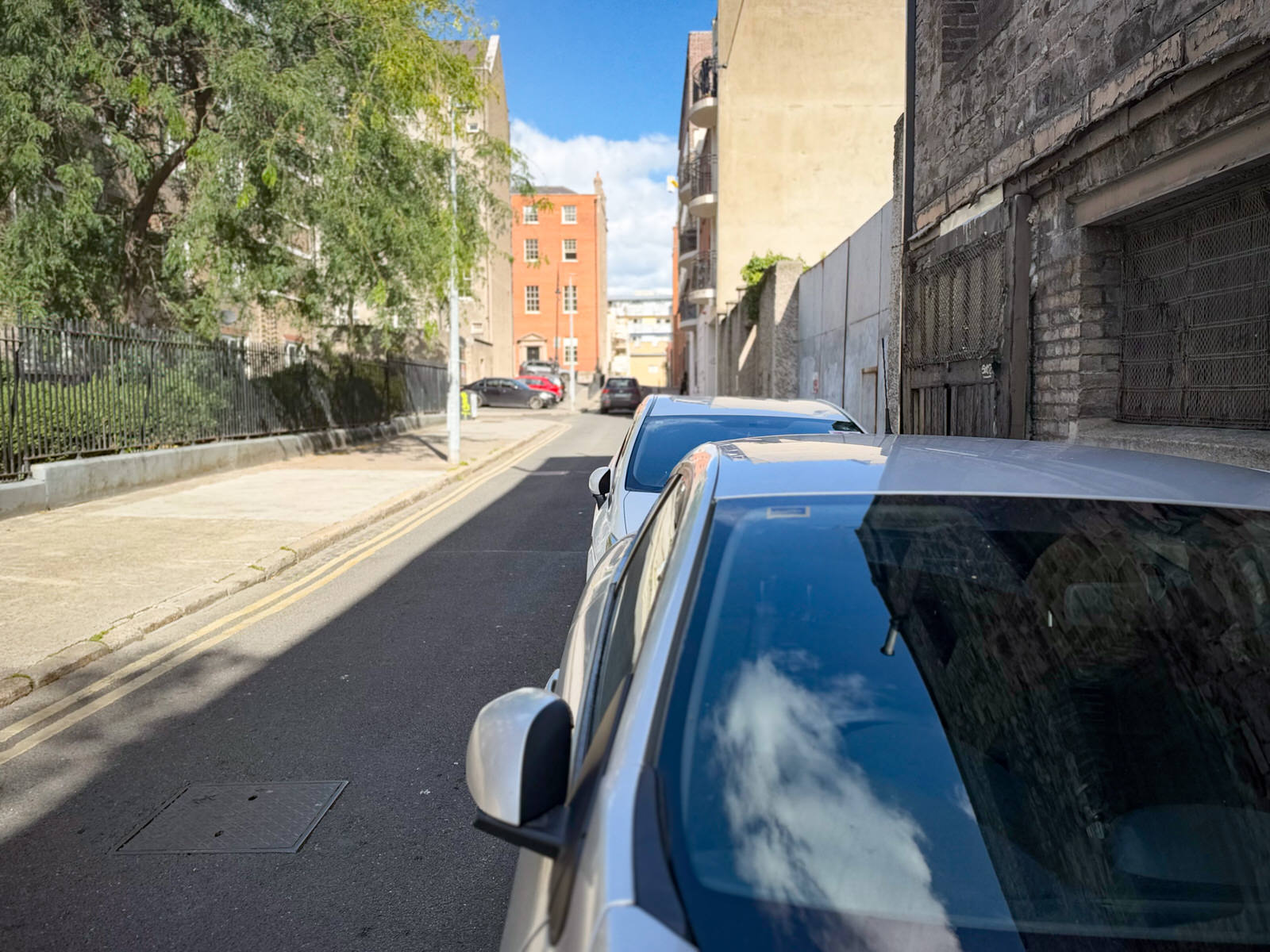
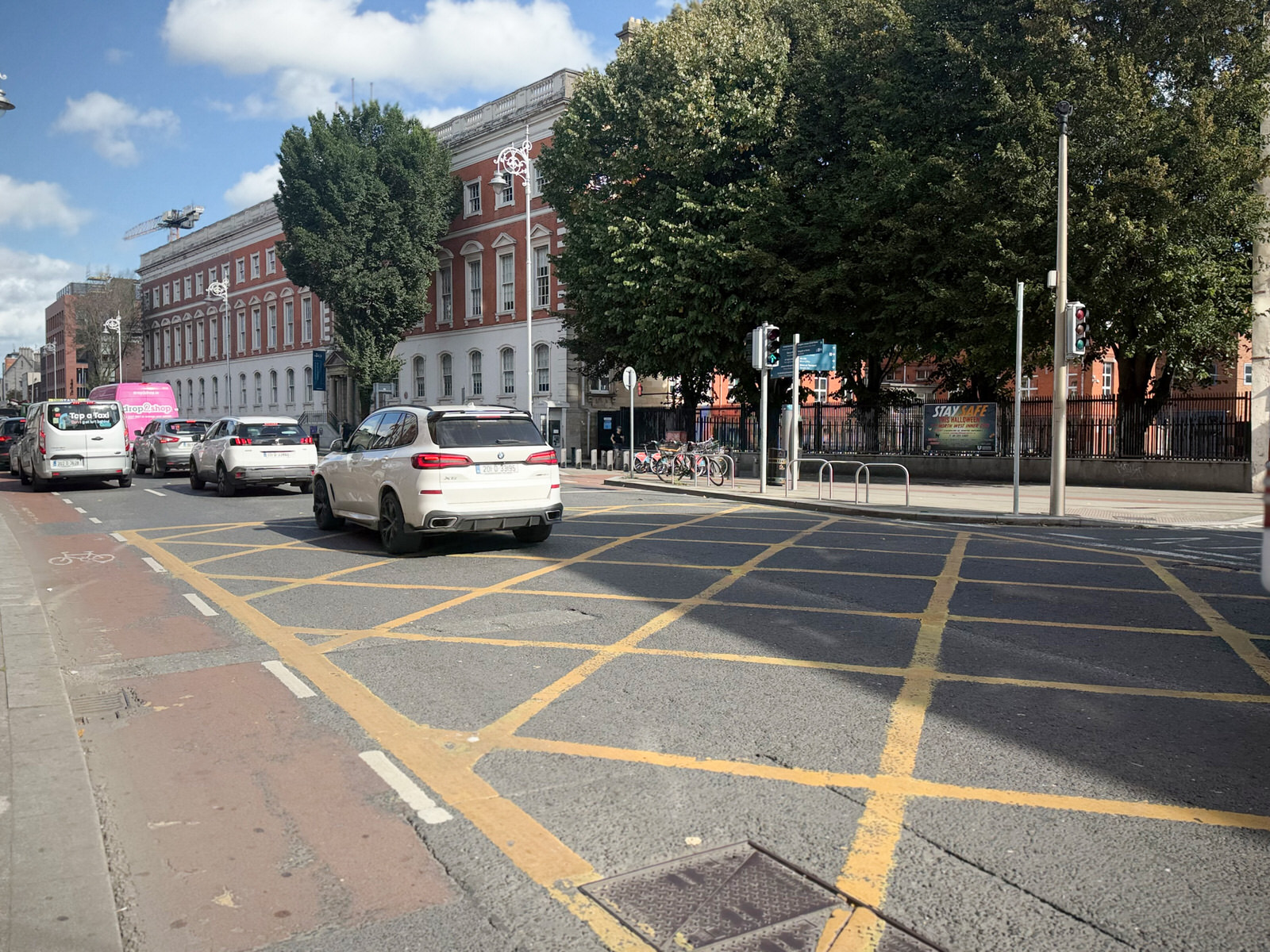
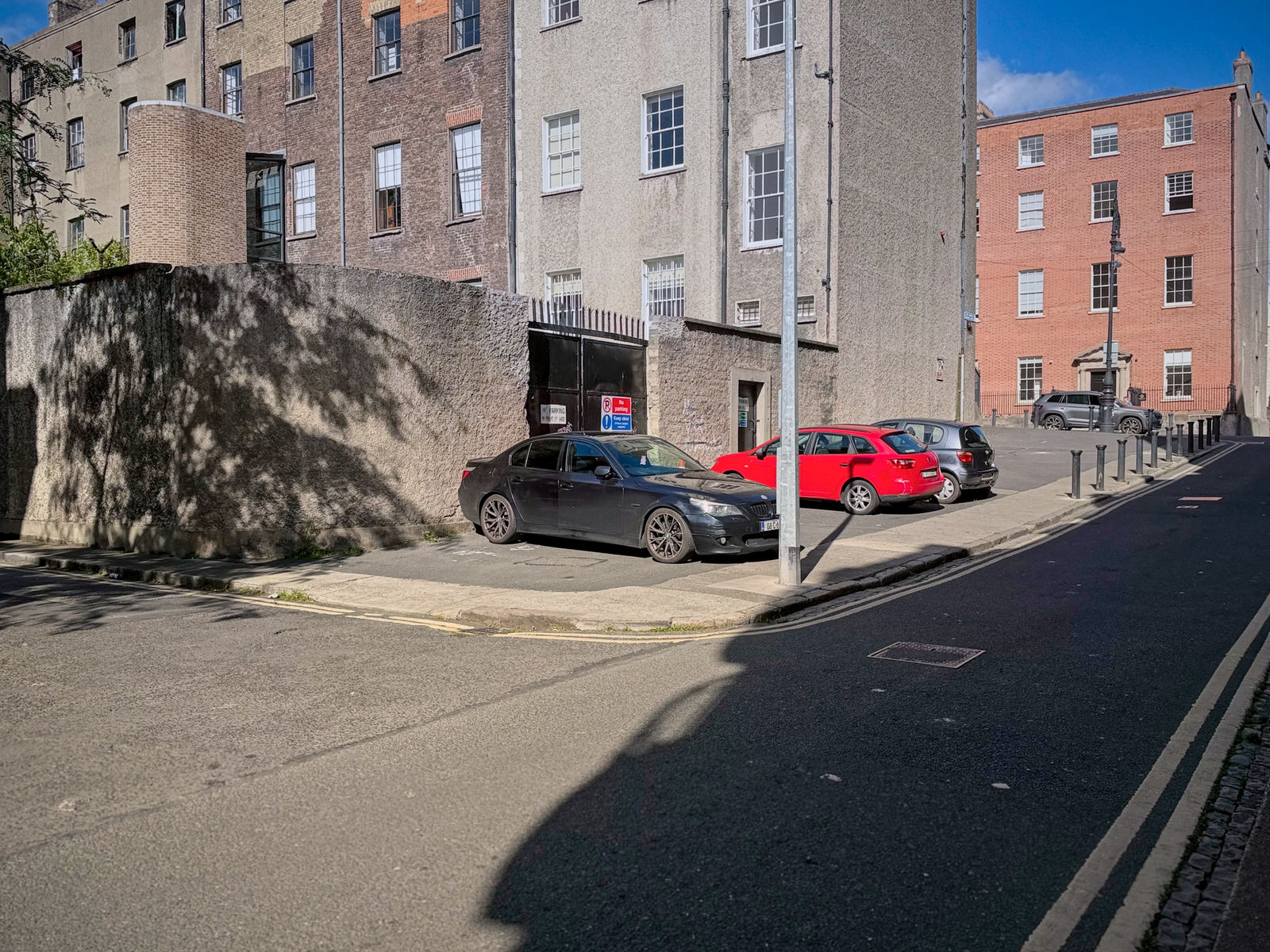
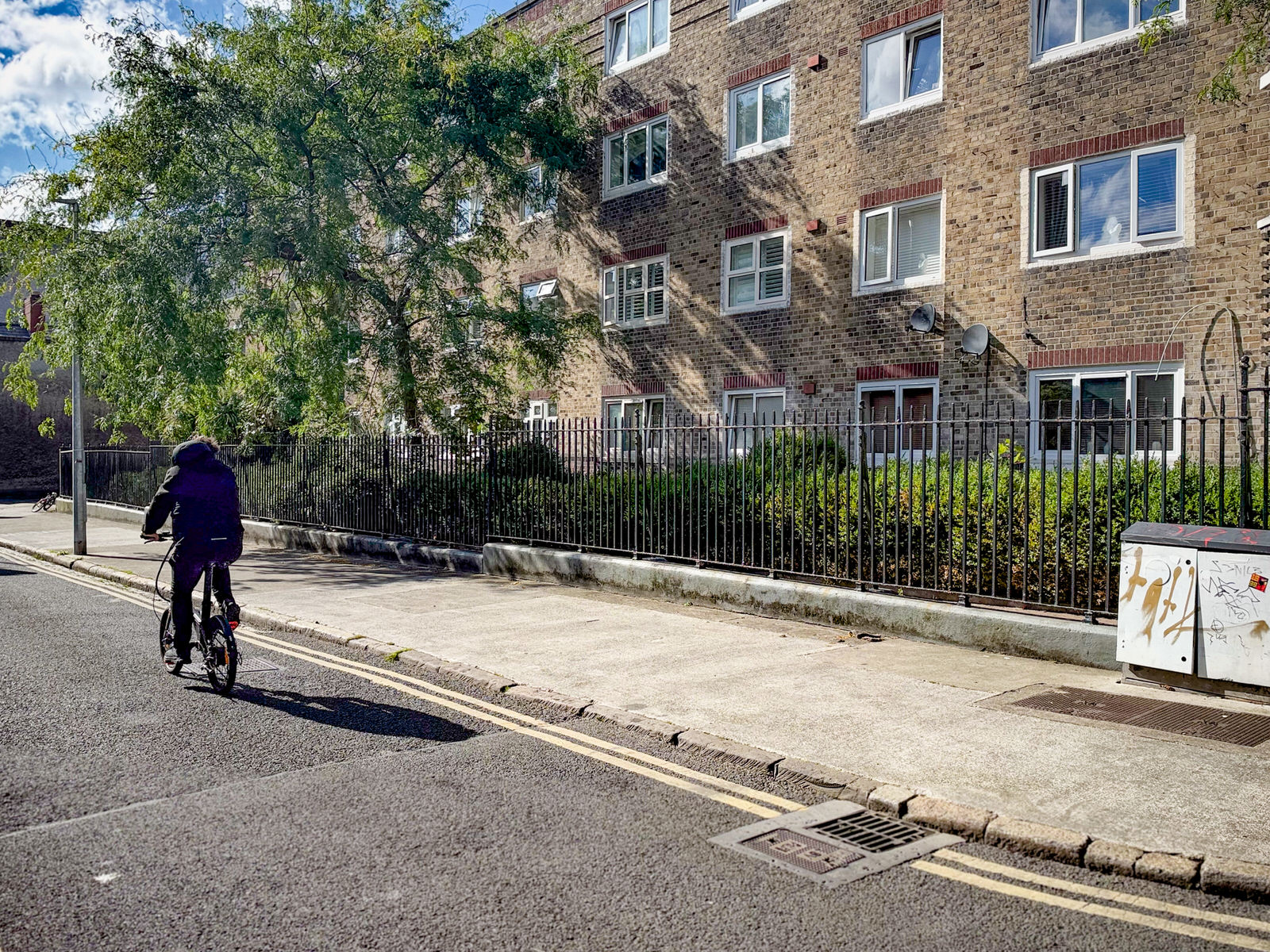
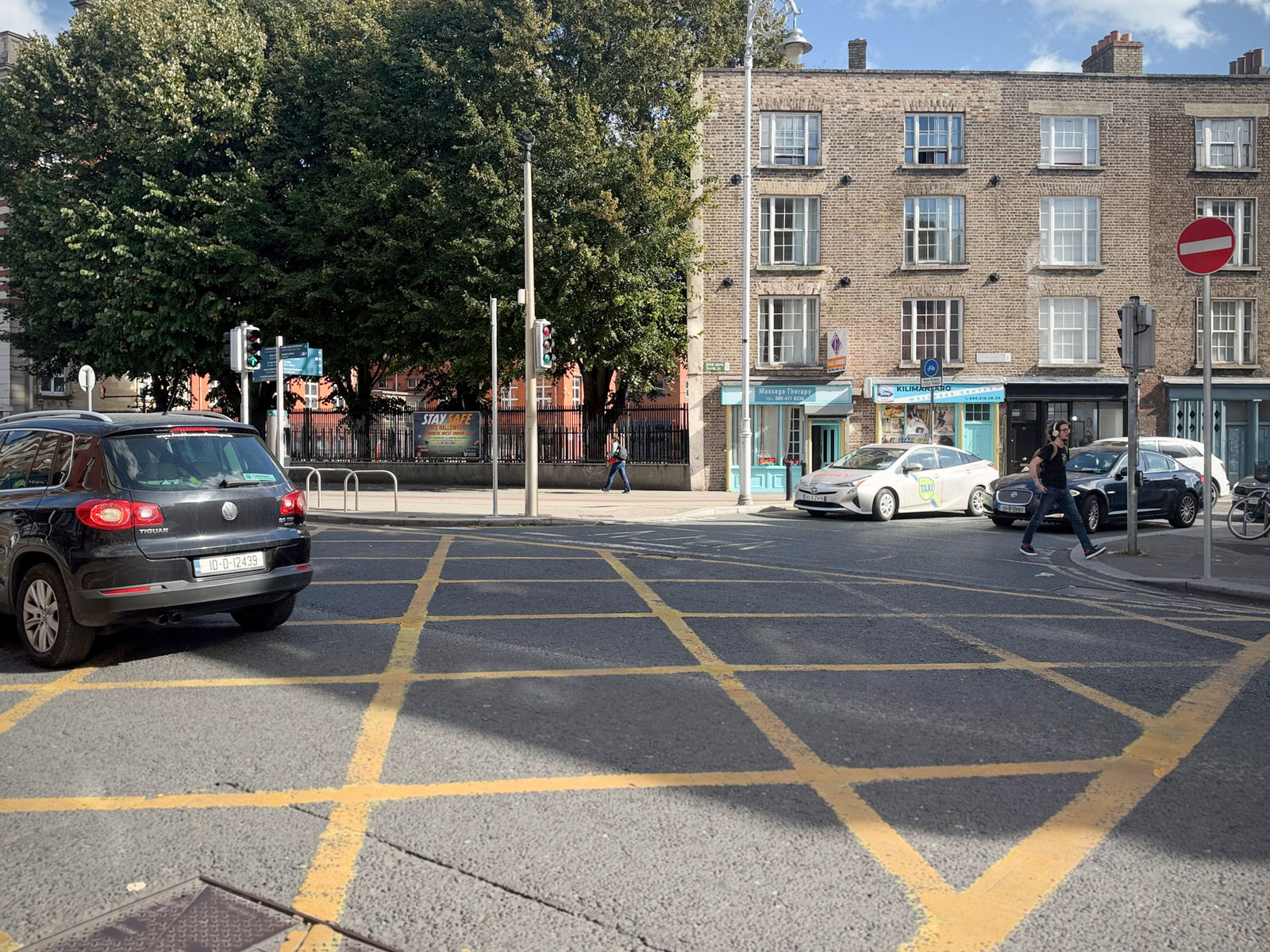
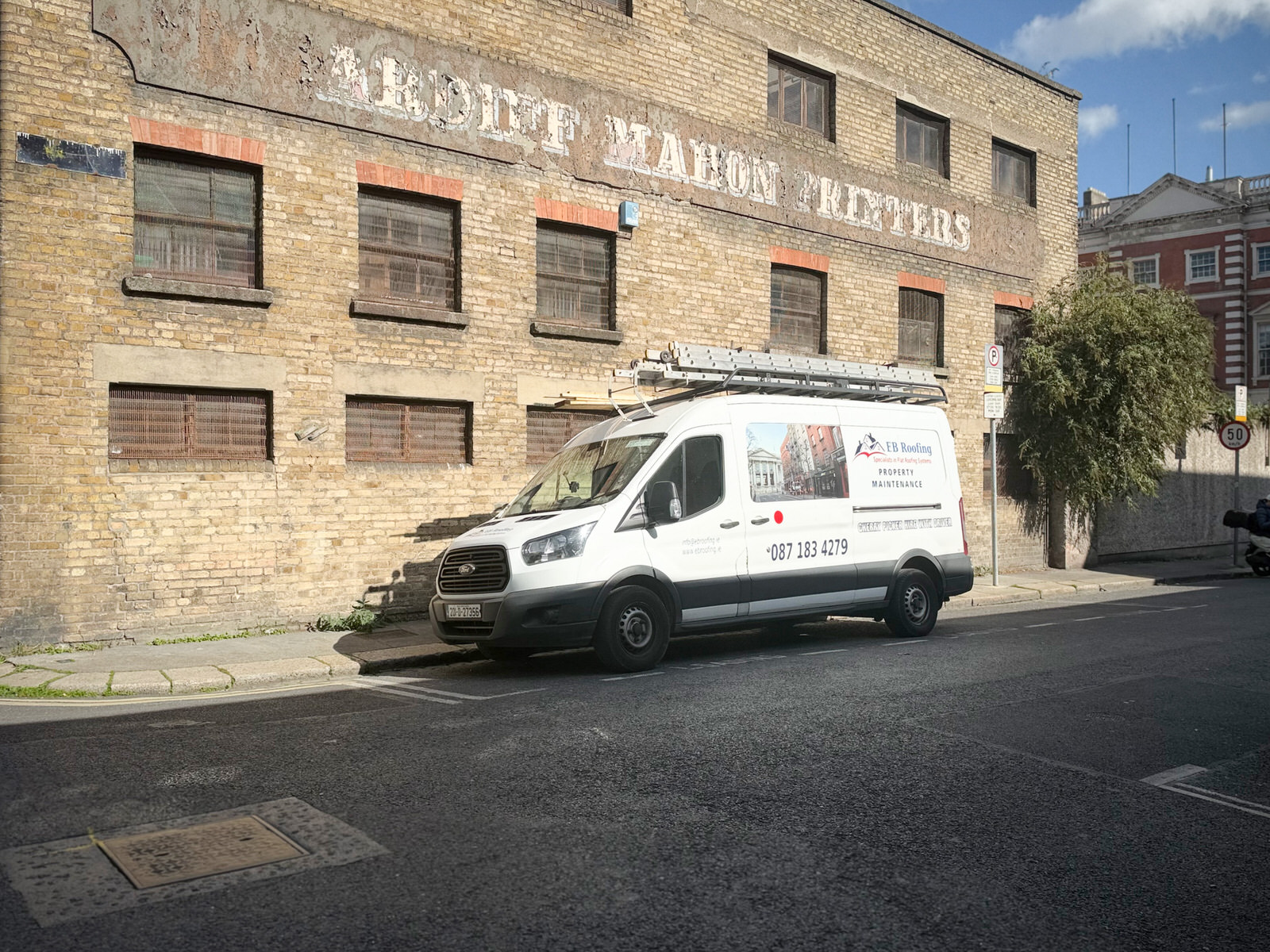
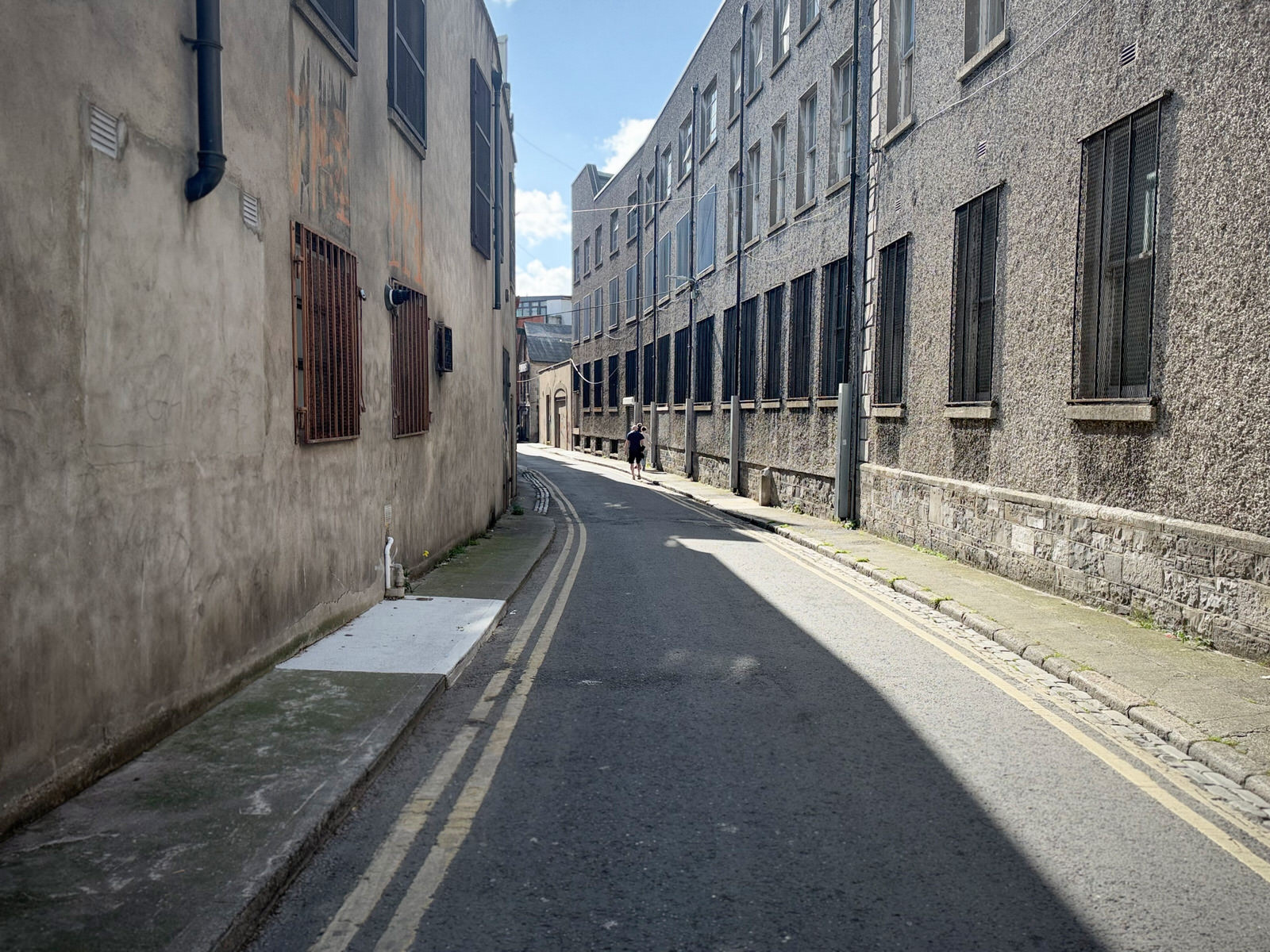
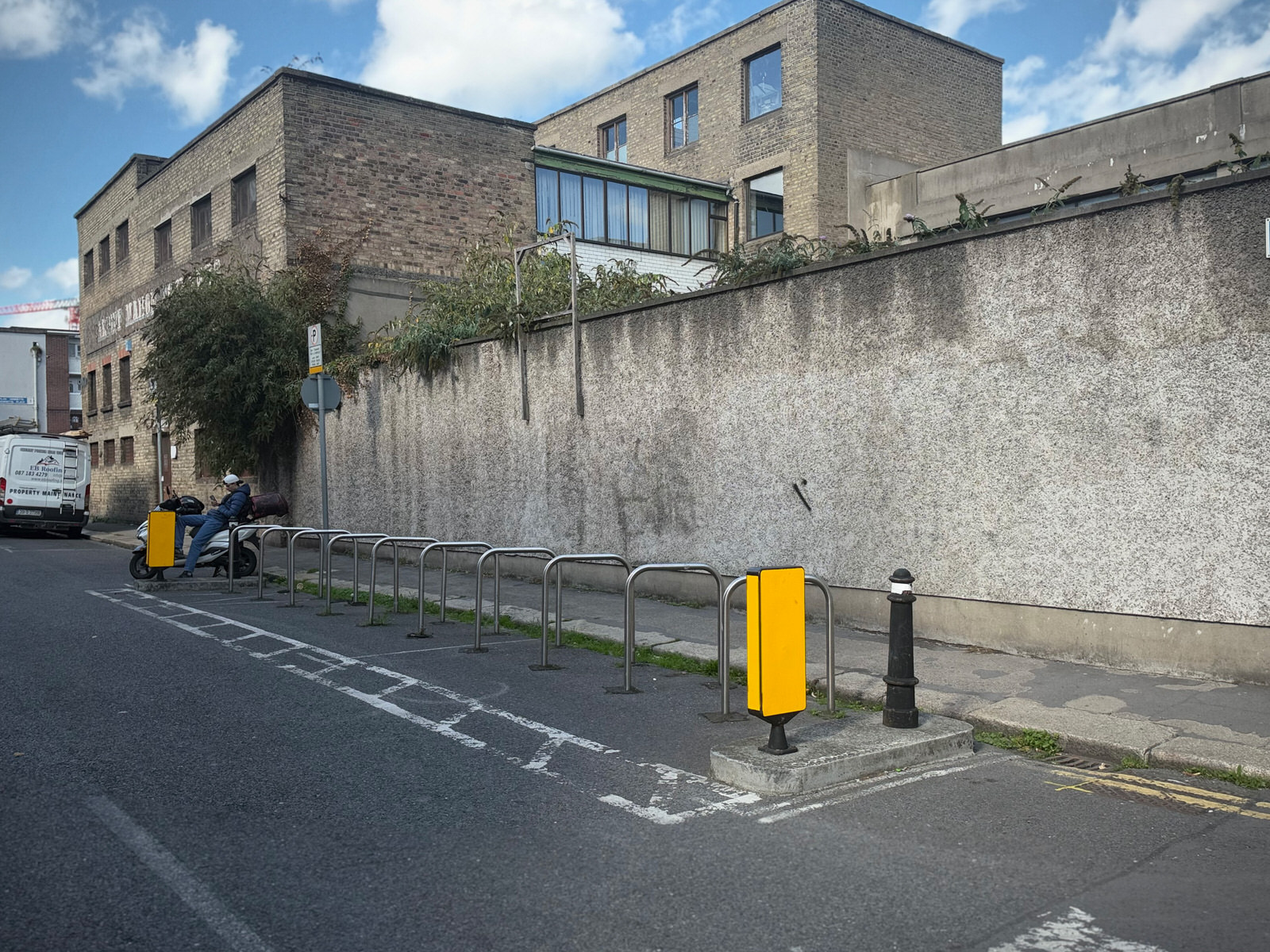
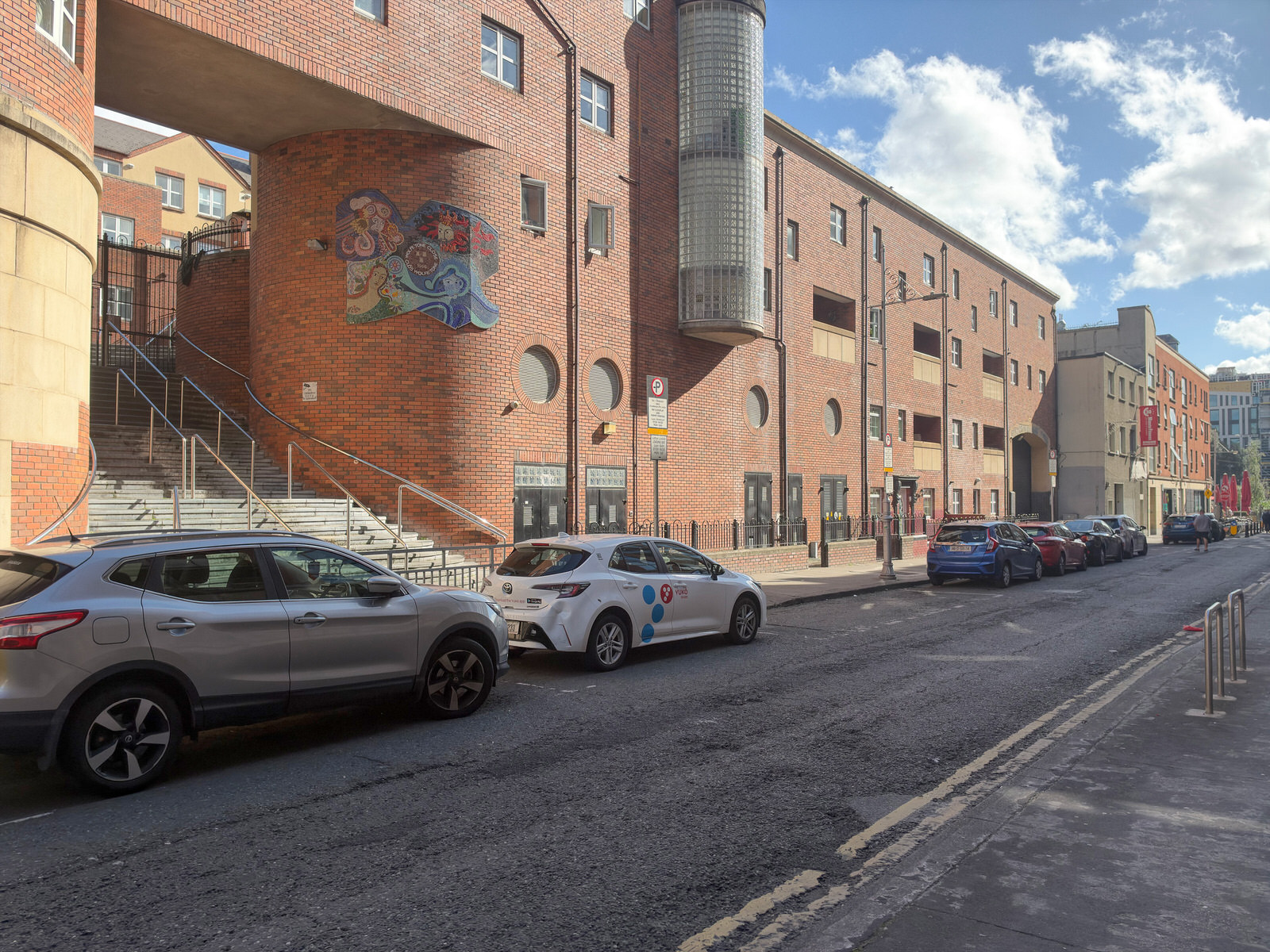
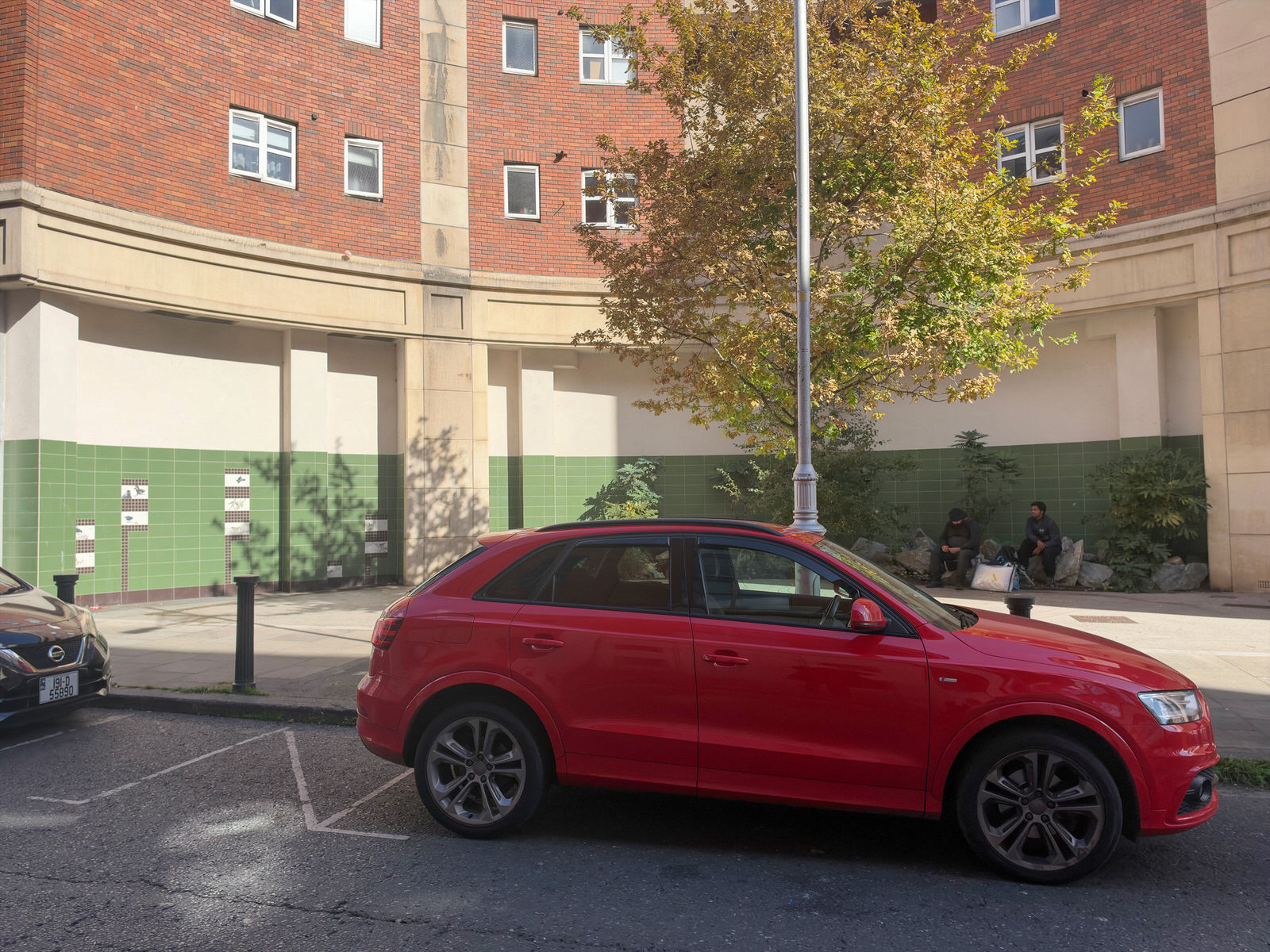
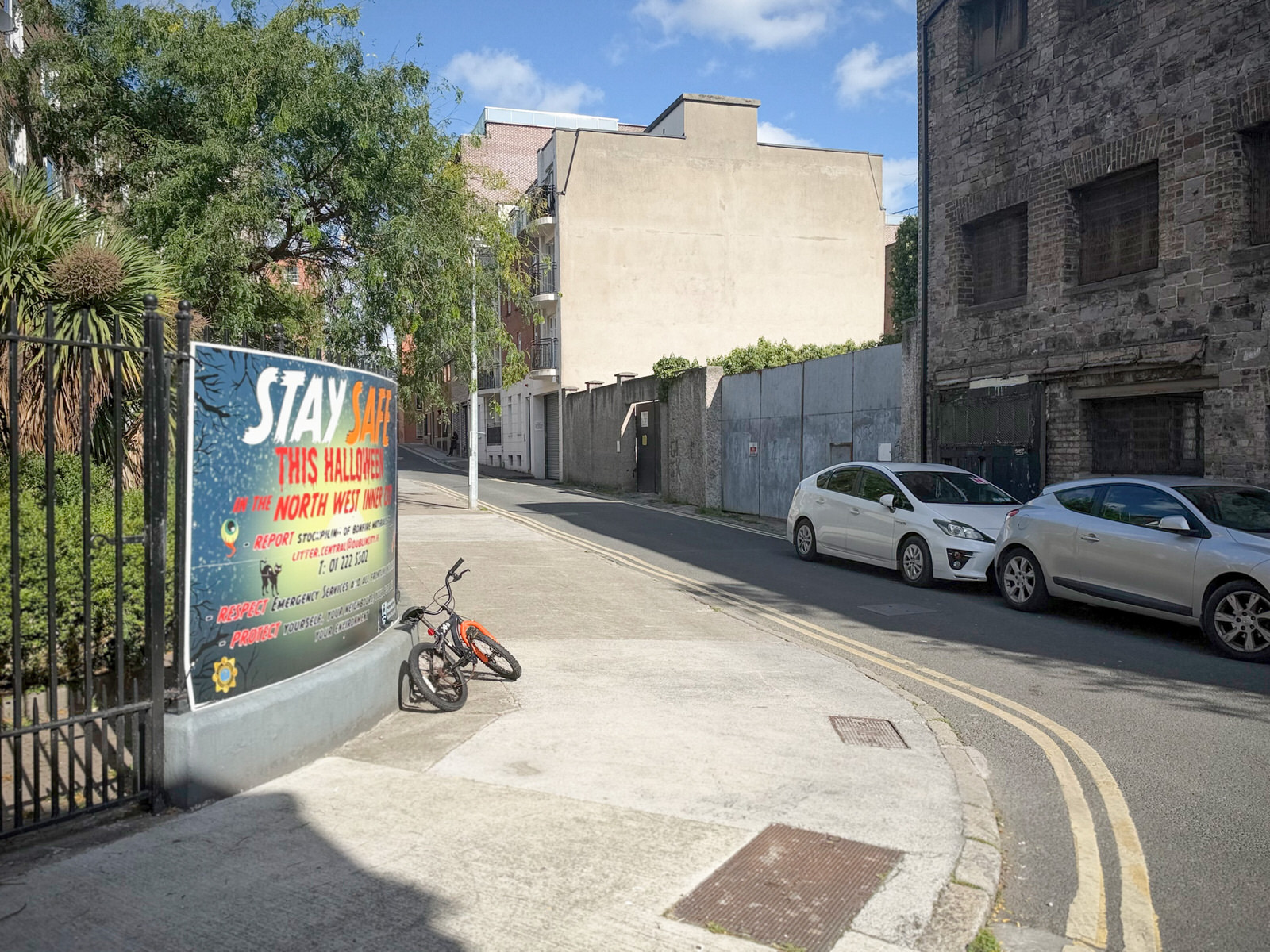
For the vast majority of mobile photographers, Leica LUX Pro’s subscription model (£6.99/$6.99 monthly or roughly £70–€80 annually) remains difficult to swallow. It makes sense solely if your workflow revolves around instant, straight-out-of-camera (SOOC) JPEGs tuned to Leica’s traditional tonal philosophy.
Where Leica LUX Pro Succeeds
1. Organic Tonal Science Straight Out of Camera
Apple’s native camera processing has become increasingly hyper-digital—aggressively lifting shadows, flattening contrast, and heavily sharpening fine edges. Leica LUX takes the opposite path. It applies a softer highlight roll-off, restrained mid-tone contrast, and pleasing colour reproduction. The Leica Monochrome (especially High Contrast) and subtle profiles such as Leica Chrome deliver an organic, film-like palette without demanding hours in Lightroom.
2. A Tactile, Deliberate Shooting Experience
The interface feels mechanical and uncluttered. If you appreciate manual focus peaking and direct, single-tap dials for ISO and shutter speed without wading through convoluted menus, the ergonomics are amongst the cleanest available on iOS.
3. Granular Aesthetic Controls
Subscribers gain access to fine-tuning sliders for Look intensity, halation, simulated grain, and computational smoothing. Dialling these down allows you to strip away the over-processed “smartphone look” entirely.
Where It Falls Short
1. Aperture Mode Is Still Bound by Computational Artefacts
The simulated lenses—such as the Summilux-M 28mm f/1.4, Summilux-M 35mm f/1.4, and Noctilux-M 50mm f/1.2—are essentially curated focal crops matched to Apple’s depth-mapping engine. Whilst the bokeh gradient and spherical aberration curves are engineered to mimic vintage glass, they inevitably suffer from the edge-detection halos and hair cutout glitches typical of mobile portrait modes.
2. A Disproportionate Recurring Subscription
At roughly £70 per year, Leica LUX commands a steep premium. Established competitors like Halide offer flexible options, including one-time lifetime purchases, making Leica’s ongoing charge feel less like a tool investment and more like a brand tax.
3. No Import Capability for Existing Photos
You cannot apply Leica Looks, frame borders, or lens simulations retroactively to images stored in your Apple Photos library. The app functions solely as a capture pipeline, refusing to double as a post-processing tool for older captures.
The Great RAW Dilemma: Why the Pro Upgrade Falls Apart
If capturing RAW/ProRAW files is your main incentive for upgrading, Leica LUX Pro will almost certainly disappoint. The workflow contains three fundamental compromises:
-
Shooting RAW Strips the “Leica Look”:
Switching the output format to pure RAW or ProRAW forces the engine to bypass Leica’s signature look profiles, grain engines, and tone curves. You are left with a flat, neutral DNG file identical to what cheaper or native tools capture. In short, shooting RAW eliminates the very colour science you are paying to access. -
Aperture Mode Forbids RAW Capture:
Because of Apple’s framework restrictions, third-party apps cannot concurrently write computational depth maps and uncompressed RAW sensor data. Lens simulations are strictly capped at 12MP HEIF/JPEG captures. You cannot export an editable RAW negative endowed with Leica’s simulated optical characteristics. -
An Absurd Toll for Basic Sensor Readings:
Paying an annual subscription simply to pull standard DNG files off an iPhone sensor makes Leica LUX one of the least economical utilities on the App Store.
The Bottom Line
Leica LUX is engineered from the ground up as a JPEG and HEIF aesthetic generator, not an archival RAW workstation. Its triumph lies in producing tasteful, ready-to-share street snapshots that bypass Apple’s aggressive sharpening. If you intend to import DNGs into a desktop RAW developer to fine-tune your own curves and colour grades, native Apple ProRAW or a standalone purchase like Halide will give you identical raw data at a fraction of the cost.
- Stick with the Free Version if: You want a clean, distraction-free viewfinder, enjoy the default Leica colour profile on primary focal lengths, and prefer doing heavy lifting (exposure curves, local masking) in Lightroom Classic or Capture One.
- Consider the Pro Subscription if: You are an ardent mobile street photographer who values instant, filmic SOOC results, insists on manual focus peaking, and wants full access to Leica’s historic monochrome and colour palettes directly within the viewfinder without post-production.